7. In the Numeric attribute box, select how you want the data to be represented. The Input
low: and Input high: boxes don’t apply unless Decimal format with Do conversion is
selected. The options are:
Format Options Range Description
Decimal (with
Raw data
display)
No. above Dec.: 1-10
specifies number of digits to display (for example, 2 digits
displays -9 to 99); any number that cannot be displayed with
the specified number of digits is represented with asterisks.
No. below Dec.: 0-10 specifies number of digits to the right of the decimal point.
Decimal (with
Do conversion)
No. above Dec.: 1-10 specifies number of digits to the left of the decimal point.
No. below Dec.: 0-10 specifies number of digits to the right of the decimal point.
Input low:
-2147483648 to
+2147483647
This is the lowest raw data value that is in the PLC data
register
Input high:
-2147483648 to
+2147483647
This is the highest raw data value that is in the PLC data
register
Engineering low:
-2147483648 to
+2147483647
This is the lowest data value that you would like displayed on
the OIT.
Engineering high:
-2147483648 to
+2147483647
This is the highest data value that you would like displayed
on the OIT.
Hex No. above Dec.: Not Apply (NA) 4 digits are used for 16 bit; 8 digits for 32 bit.
Binary No. above Dec.: NA 16 digits are used for 16 bit; 32 digits for 32 bit.
Mask No. above Dec.: 1-10 the number of asterisks to display
Single Float
No. above Dec.: 1-10 specifies number of digits to the left of the decimal point.
No. below Dec.: 0-10 specifies number of digits to the right of the decimal point.
Double Float
No. above Dec.: 1-10 specifies number of digits to the left of the decimal point.
No. below Dec.: 0-10 specifies number of digits to the right of the decimal point.
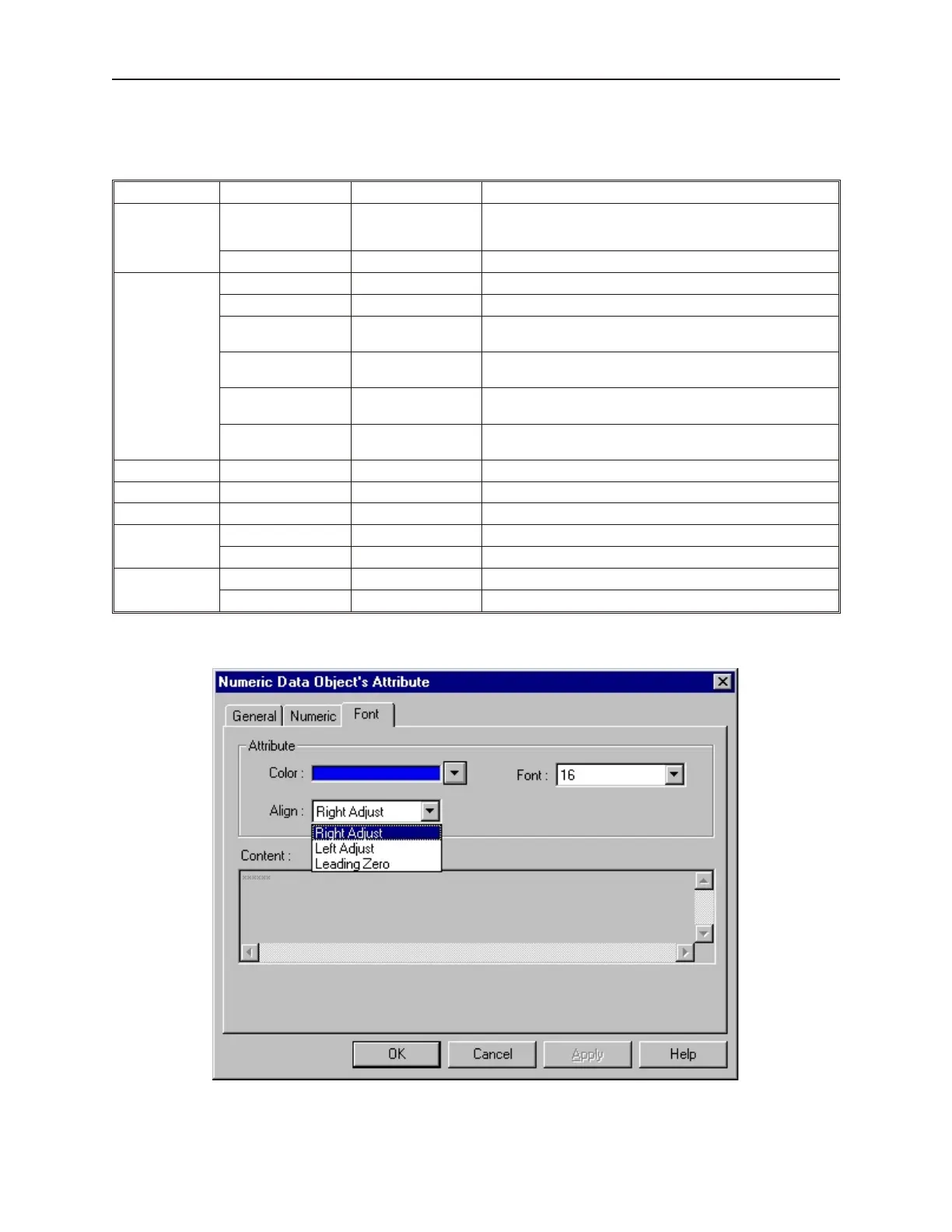
8. Click the Font tab to display the Font form.
9. Enter the color that you want for the digits displayed in the Color: box
10. Enter how you want the digits to be positioned in the Align: box. The choices are:
1010-1001a, Rev 02
186 Sil ver Se ries In stal la tion & Op er a tion Man ual



 To Next Page