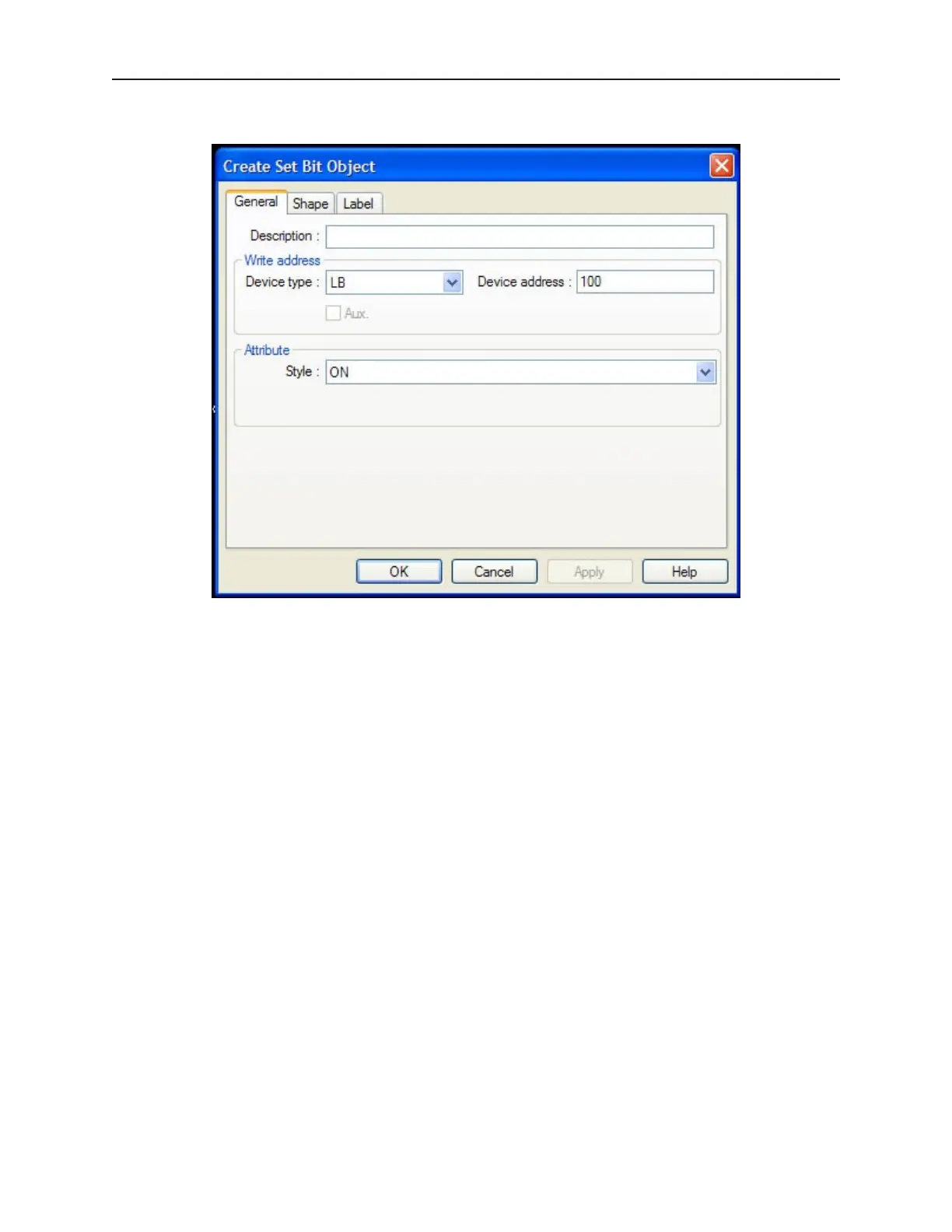
7. Select Parts—Set Bit from the menu listings. This displays the Set Bit Object dialog box.
8. Enter the following settings:
• In the Write Address: section…
• De vice Type: — LB
• Device Address: — 100
• Attribute - Style: — ON
9. Place the Numeric Input Object and the Set Bit Object on top of each other.
1010-1001a, Rev 02
Us ing and Cre at ing Keypads 209



 To Next Page