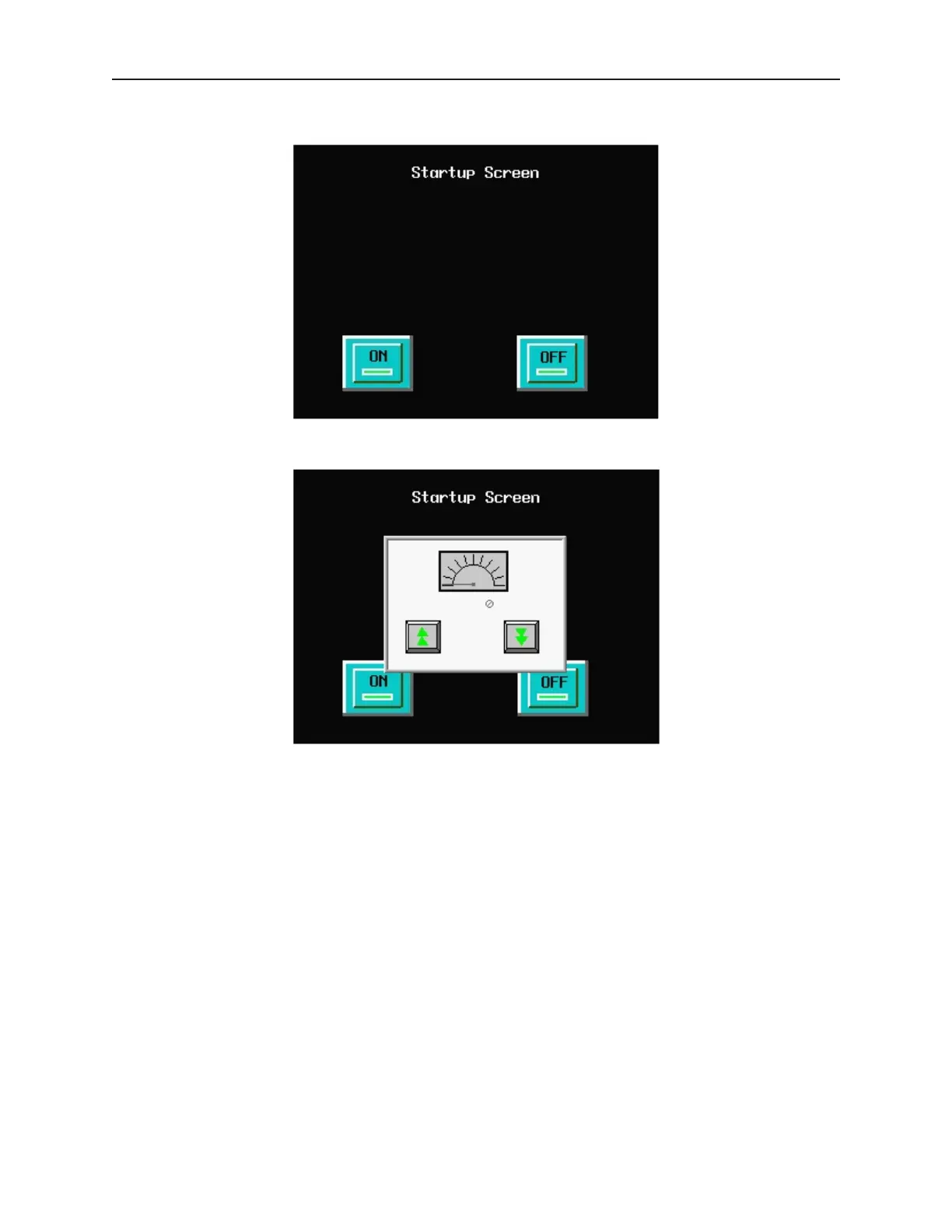
3. The OIT should display the following screen.
4. Press the ON function key to display the popup window.
5. Press the increment and decrement keys on the OIT to see the value in the data register and
scale meter change. Press the OFF function key to remove the popup window.
CONGRATULATIONS. You have completed your first EZware-500 project.
1010-1001a, Rev 02
Cre ating Your First Project 27



 To Next Page