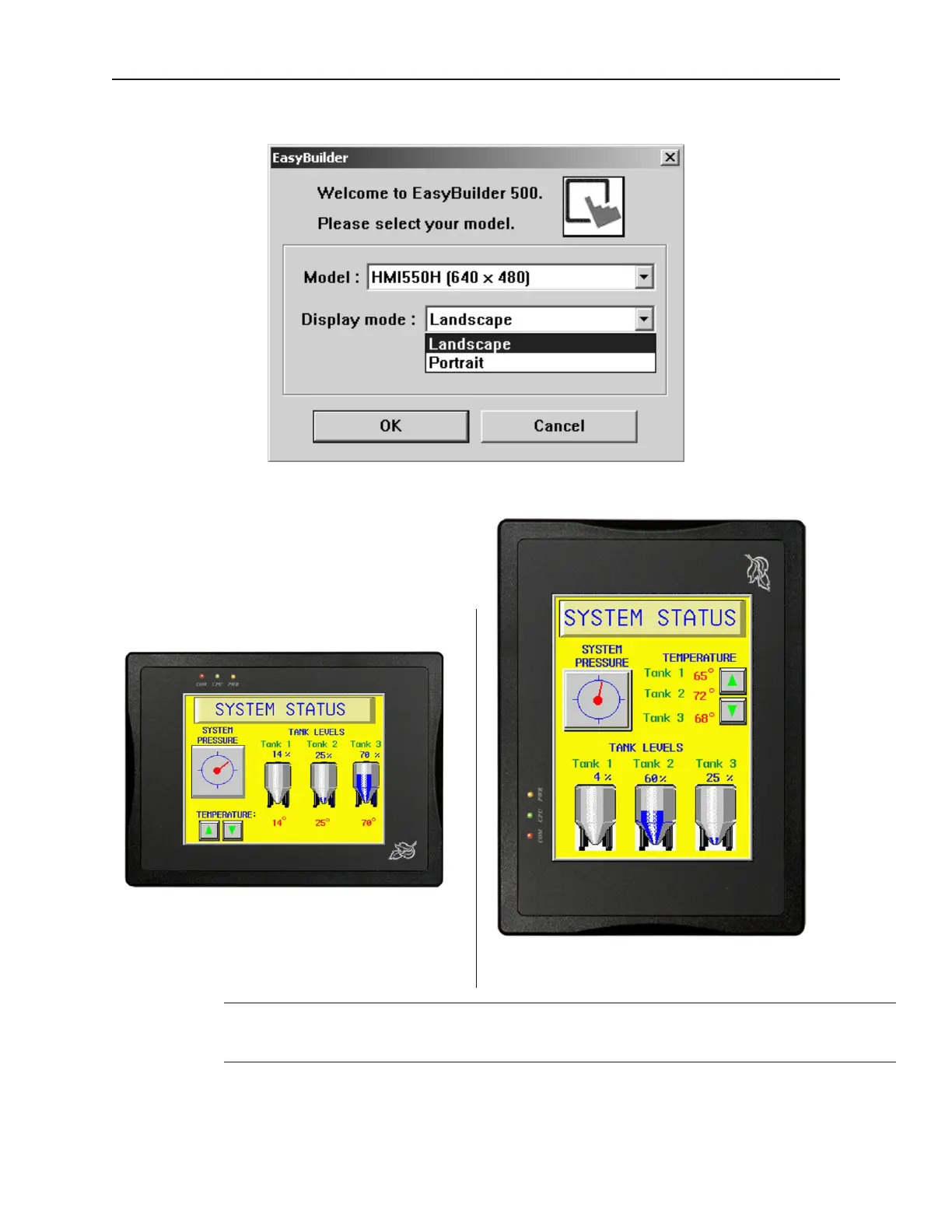
3. Select the Display Mode you intend to use with your project.
4. Landscape mode is the standard display mode for conventionally installed OITs. Portrait
mode configures display on OITs installed at right angles.
A project’s display mode may be changed after the initial selection has been made. To
set Display Mode select Edit-System Parameters…, and select the Hardware tab. To
change the Display Mode, resize the window’s resolution to fit the mode selected.
5. Click OK. The main screen of EasyBuilder appears with a blank work area.
1010-1001a, Rev 02
40 Sil ver Se ries In stal la tion & Op er a tion Man ual
Landscape
Portrait



 To Next Page