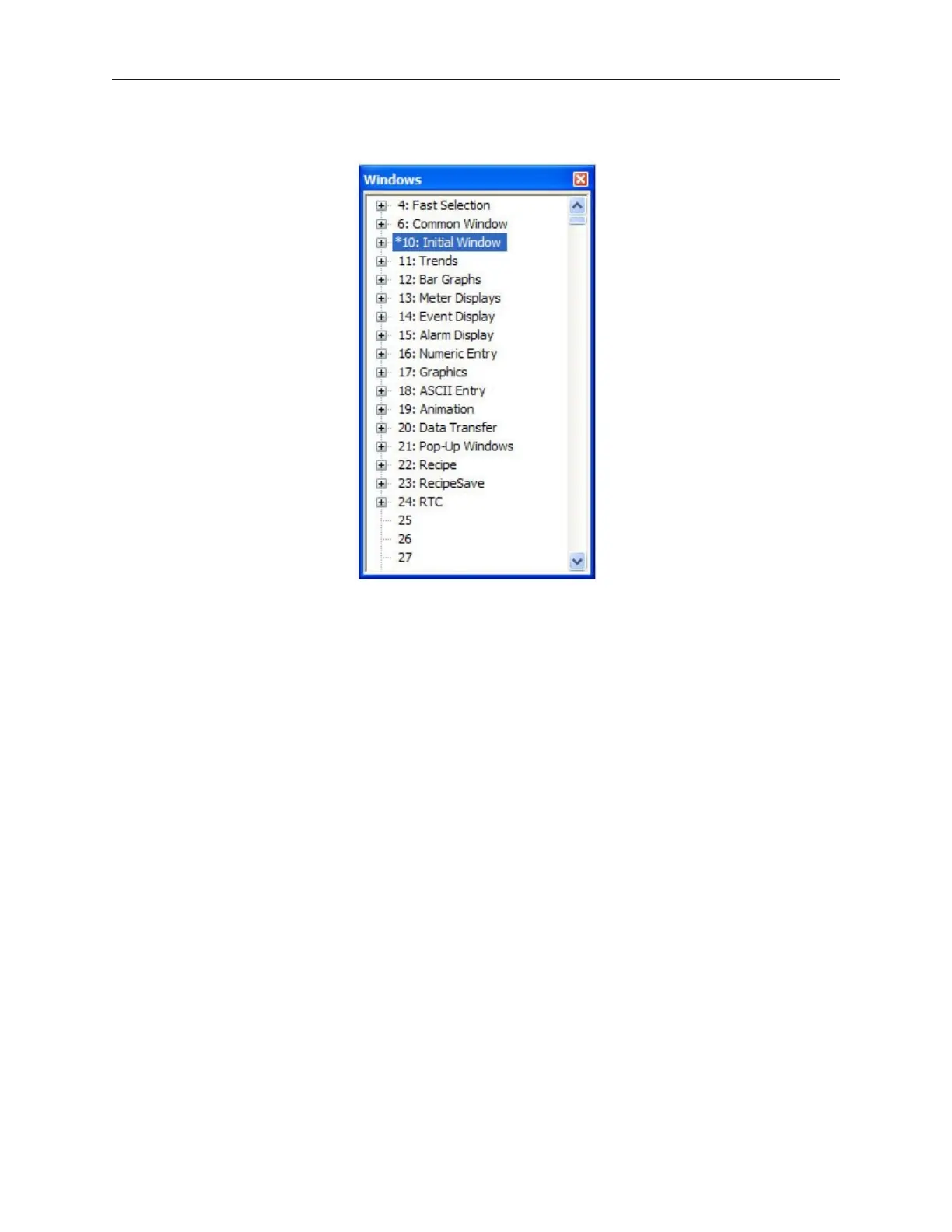
all of the objects on each window. Using the 520CDEMO.EPJ project, the following should
be seen :
2. Notice that the tree displays the title for each window next to the window number. This
makes it easy to determine windows have been created for a project. The asterisk next to
Window #10 indicates that this window is currently open.
3. To display an open window, click on the window number in the Window Treebar. To
display a window that is not yet open, double-click on the window number. This will
automatically open the window and display it.
4. To change any settings or close an open window, click on the window number to select it.
Then right-click anywhere inside the Window Treebar to display a pop-up dialog box. Select
Close to close the window or Setting to change any of the window settings.
5. Finally, to create a new window click on any window number that is not currently used.
Then right-click inside the Window Treebar and click Create.
1010-1001a, Rev 02
Using EZware-500 43



 To Next Page