· Security Control: Enables the OIT’s security features. The three password fields are not visible if the box
is not checked.
· Password Level 0 is used to enter the numeric password for access to level 0 (the lowest) security. Level 0
is the default security level. This field is not visible if the security control box is unchecked
· Password Level 1 is used to enter the numeric password for access to level 1 (the middle) security . This
field is not visible if the security control box is unchecked.
· Password Level 2 is used to enter the numeric password for access to level 2 (the highest) security . This
field is not visible if the security control box is unchecked.
4 For more information on windows security, consult Chapter 5 - Creating Windows
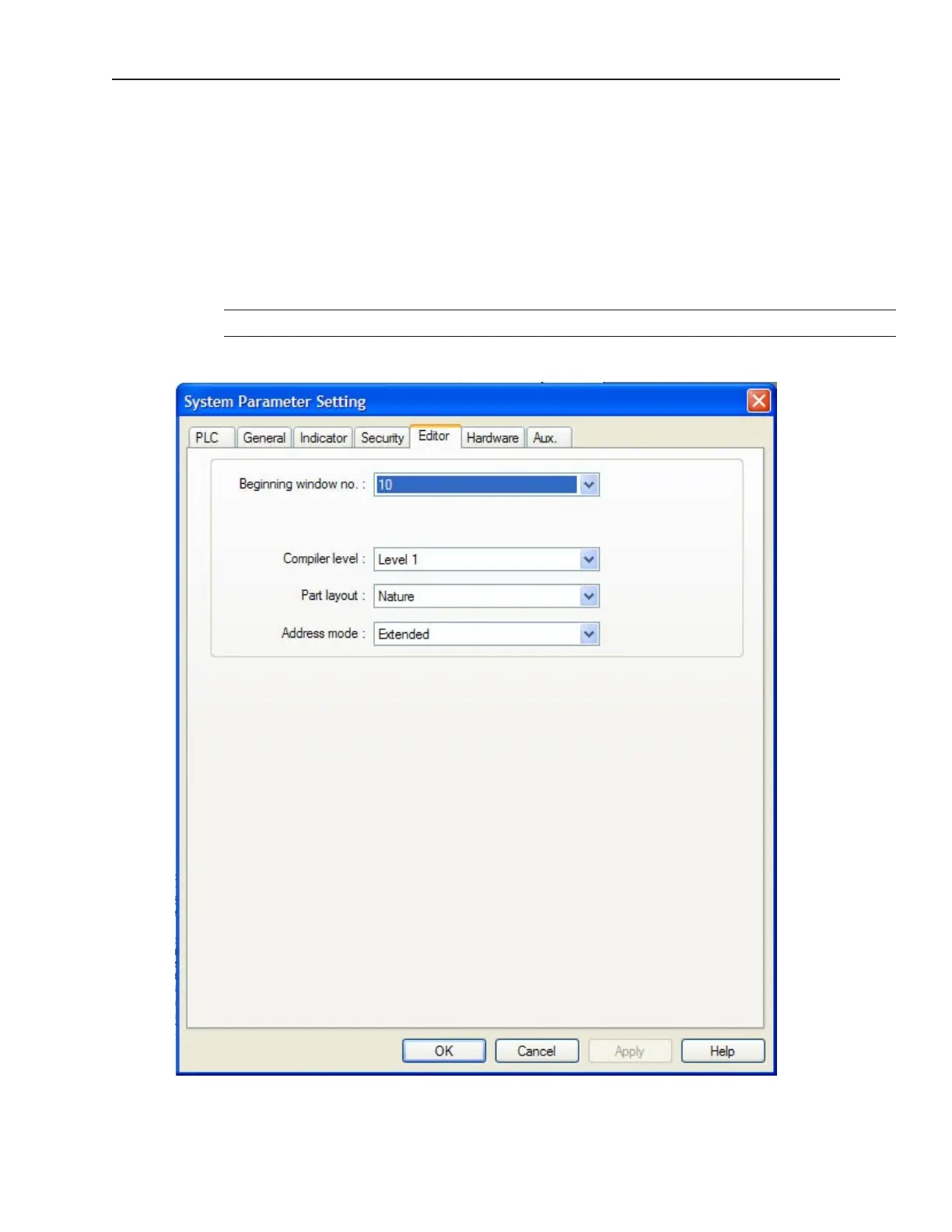
Ed i tor Set tings Con fig u ra tion
1010-1001a, Rev 02
Us ing EZware-500 65



 To Next Page