7
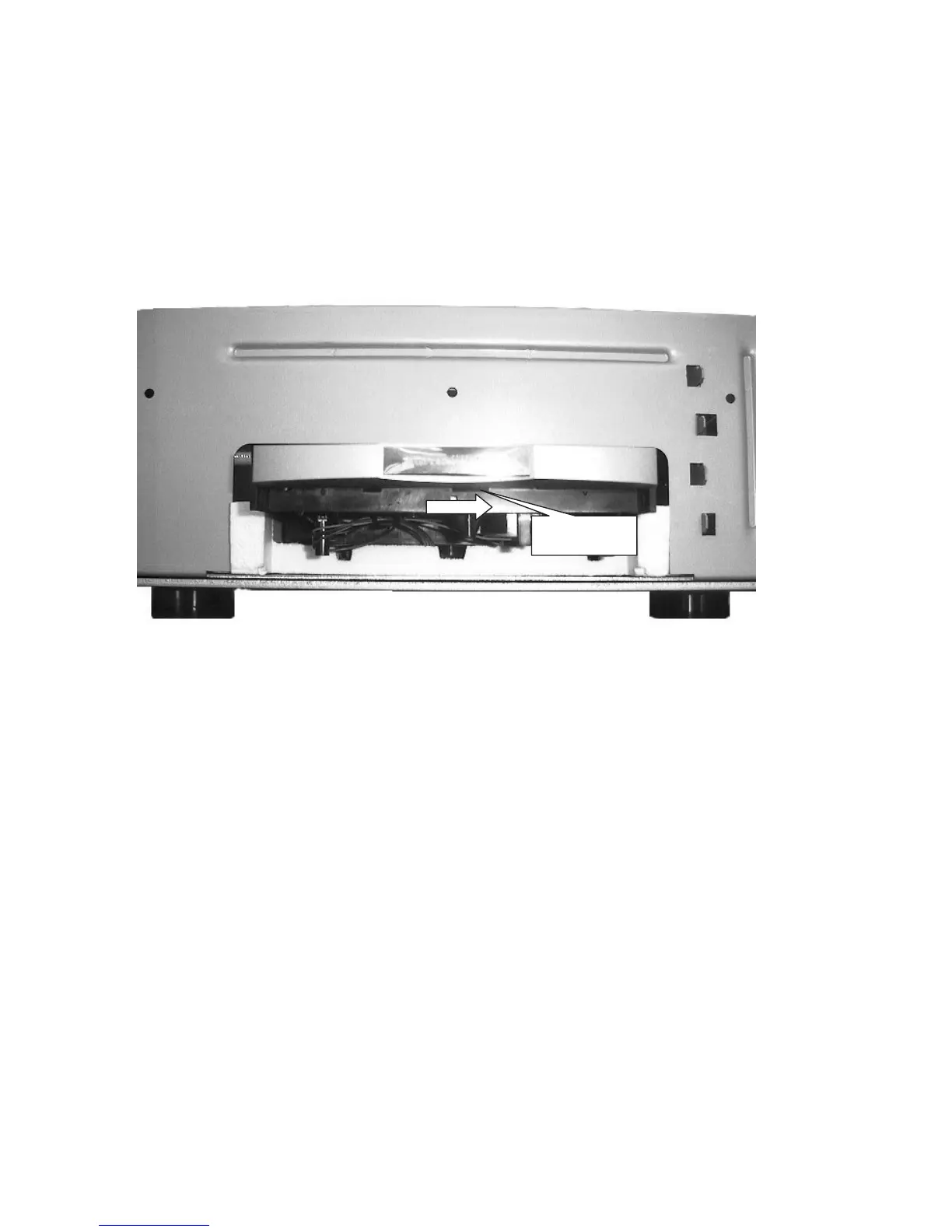
Gear pulley
3.2 Taking the disc out.
1. Remove the top cover with 8 screws.
2. Remove the both side covers with 8 screws.
3. Remove the 8 screws of front panel and unfasten 2 screws of front legs.
4. Pull out the front panel.
5. Turn right the pulley by your finger or nail. (See fig.1)
6. Then the tray is moved a little. Pull the tray with your hand at this time.
Note: Take care of unhurt gear belt.



 To Next Page