4-3 Masterflex
®
I/P
®
MasterSense™ Process Drives
Section 4: Communication Specification
Masterflex
Once the Ethernet/IP has been con gured and enabled, you will now be able to view the pump from your
PLC. To enable remote control, you must con gure the pump from your PLC using the bit
"Pump1:O.Toggle_Remote_Local_Control_1_to_0".
NOTE:
- e bit changes state from local to remote on a 1 to 0 transition.
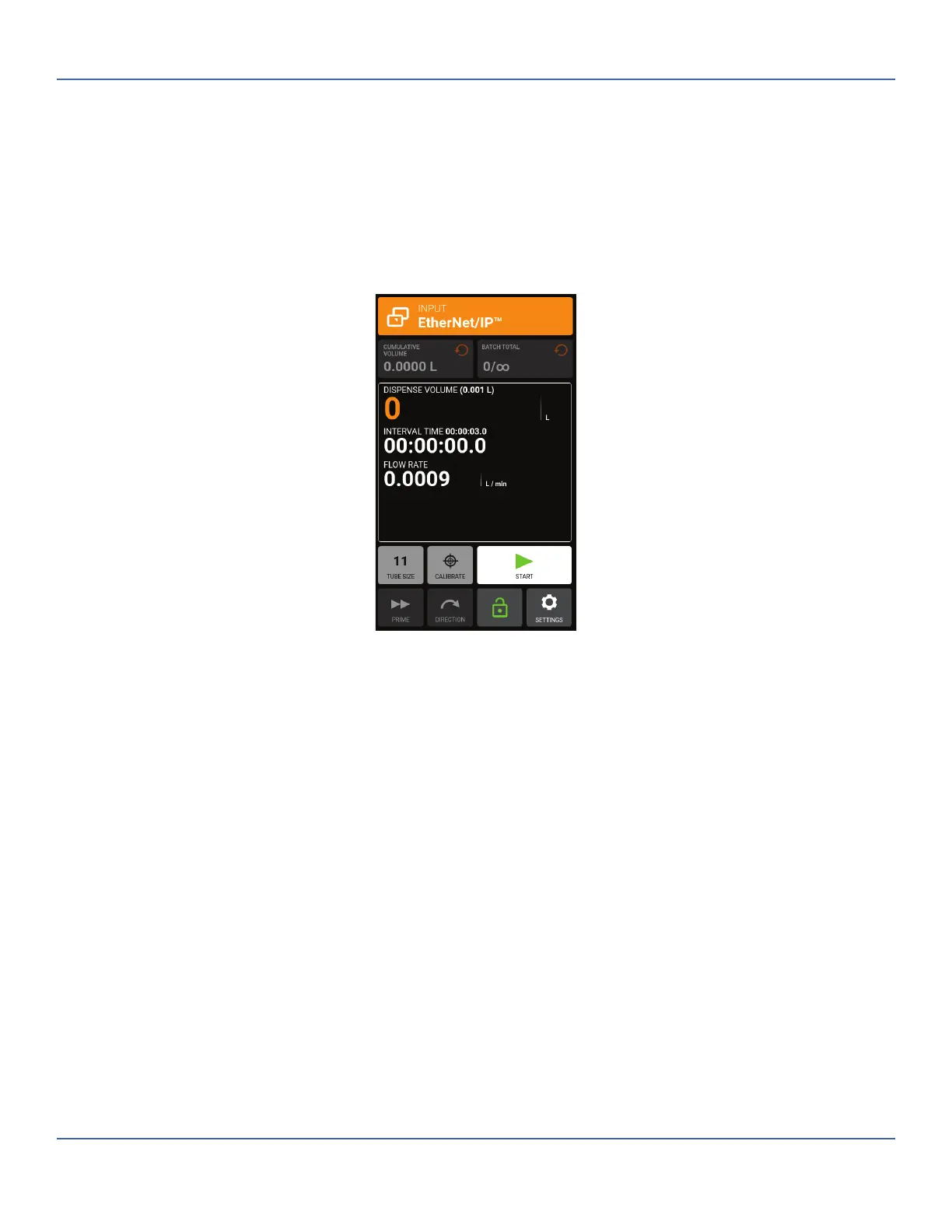
-Once enabled, the Ethernet/IP banner will appear at the top of the pump screen.
Shows Ethernet/IP active in volume Dispense Mode



 To Next Page