Connectors on Matrox Solios GigE 155
Connectors on Matrox Solios GigE
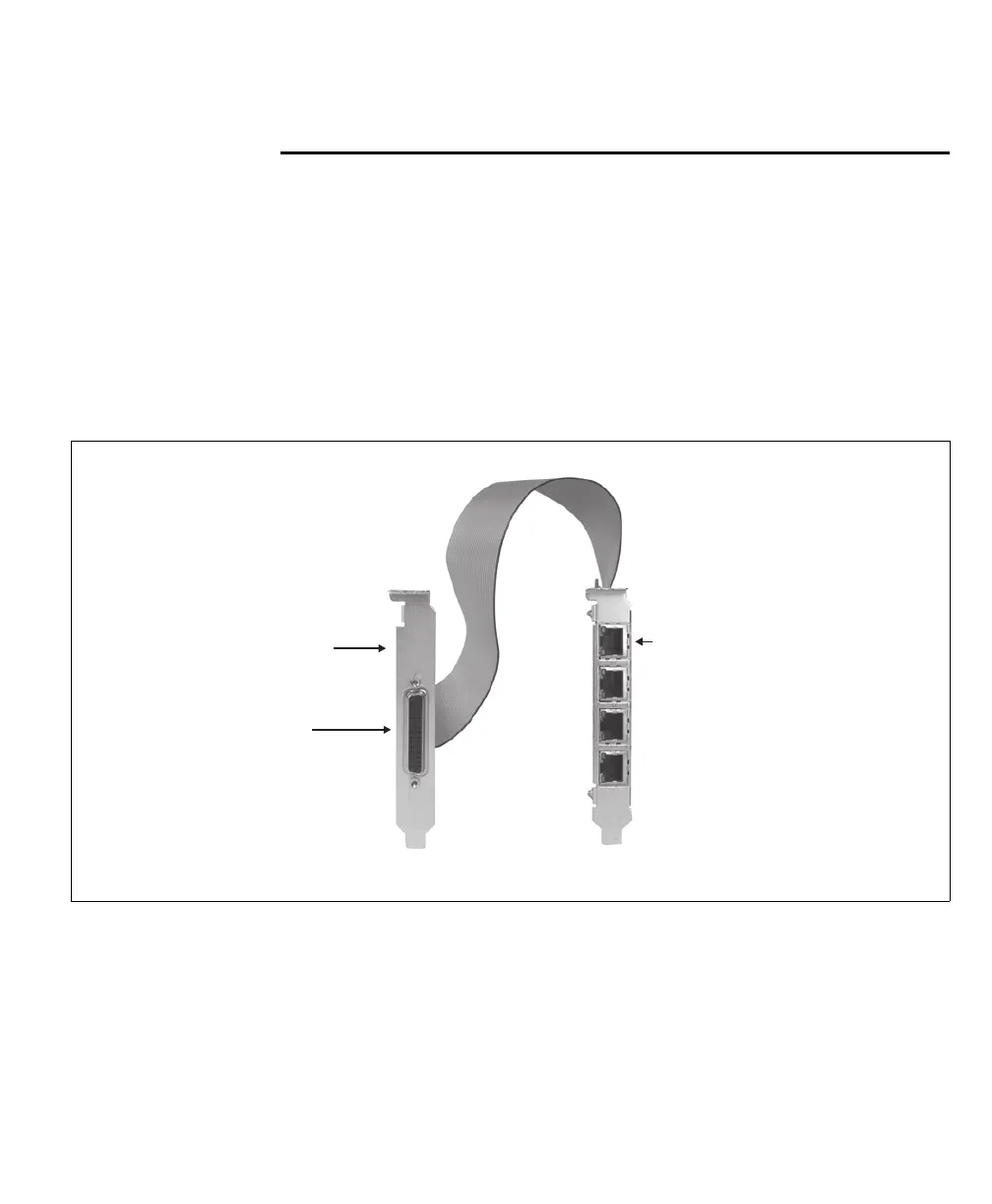
On the Matrox Solios GigE board, there are several interface connectors. On its
bracket, there are four Ethernet connectors. On the top edge of the board, there
is an internal auxiliary I/O connector and an optional JTAG connector. The
auxiliary I/O adapter bracket connects to the internal auxiliary I/O connector,
and allows you to connect an input device to the board through the external
auxiliary I/O connector.
The following illustrates Matrox Solios GigE and the bracket with the auxiliary
I/O connector:
❖ Note that the Matrox Solios GigE signal names have a ranking that reflects the
number of signals of that type for a path, regardless of the direction and format.
For example, two TTL input and two LVDS auxiliary output signals for path 0
would be named P0_AUX_TTL_IN0, P0_AUX_TTL_IN1,
P0_AUX_LVDS_OUT2+, and P0_AUX_LVDS_OUT3+. Notice that the
ranking of the LVDS output signals does not restart at 0.
Adapter bracket
Ethernet connectors
External
Auxiliary I/O
connector











 To Next Page