Connecting video sources 37
Connecting video sources
Connecting to Matrox Solios eCL/XCL-B
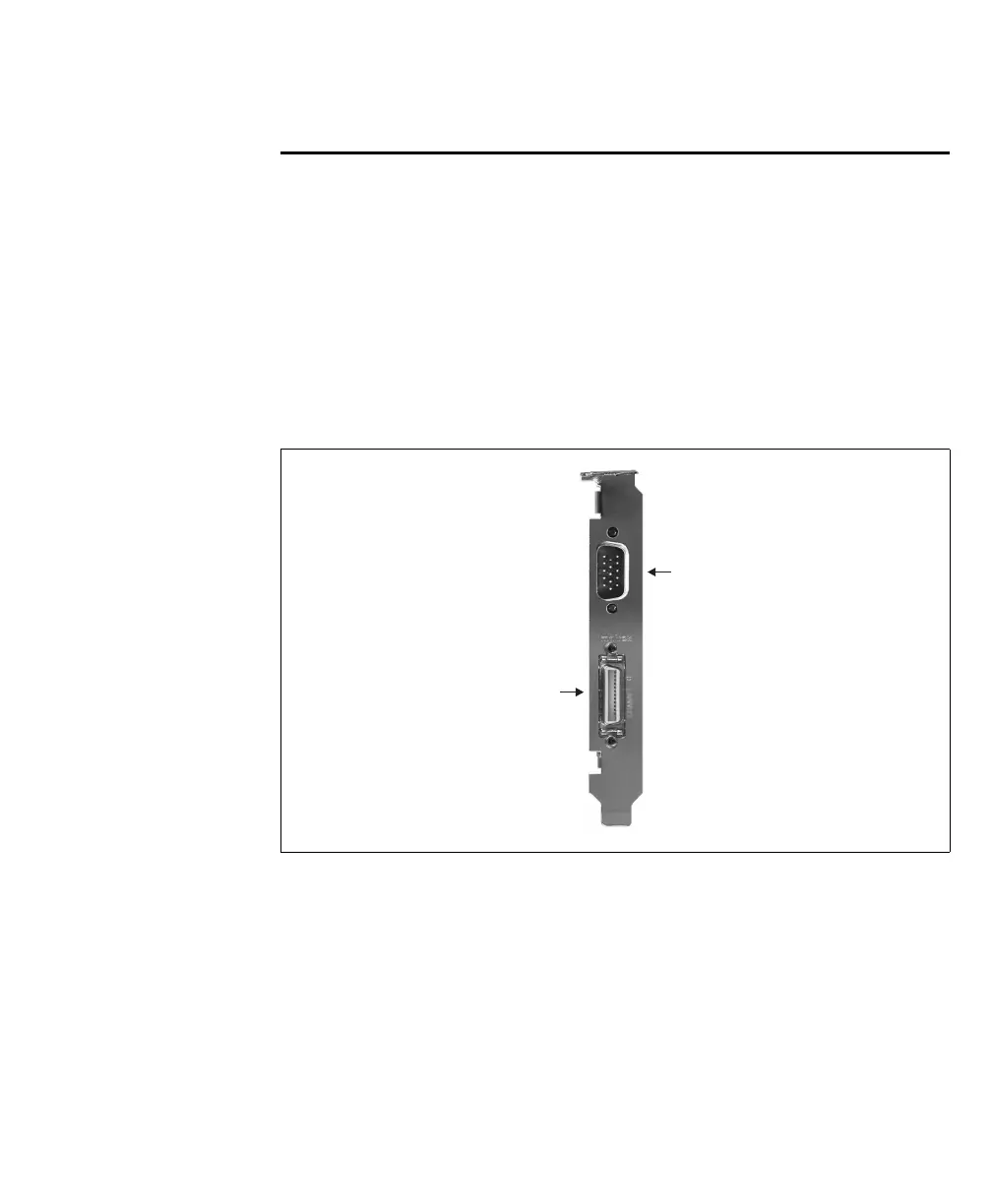
The Matrox Solios eCL/XCL-B board has the following connectors on its bracket:
• One Camera Link-compliant video input connector. Used to receive video input,
timing, and synchronization signals and transmit/receive communication signals
between the video source and the frame grabber.
• External I/O connector 0 (DB-15 or DB-9). Used to transmit timing and
synchronization signals, and transmit/receive auxiliary signals.
Use a standard Camera Link cable or a standard PoCL Camera Link cable to
interface with Camera Link Video input connector 0. You can purchase such a
cable from your video source manufacturer, 3M Interconnect Solutions for
Factory Automation, Intercon 1, or other third parties. Note that this cable is not
available from Matrox.
Connector #0
Camera Link
Video Input
Connector #0
Auxiliary I/O











 To Next Page