38 Chapter 2: Hardware installation
Connecting to Matrox Solios eCL/XCL dual-Base/single-Medium
or eCL/XCL-F boards
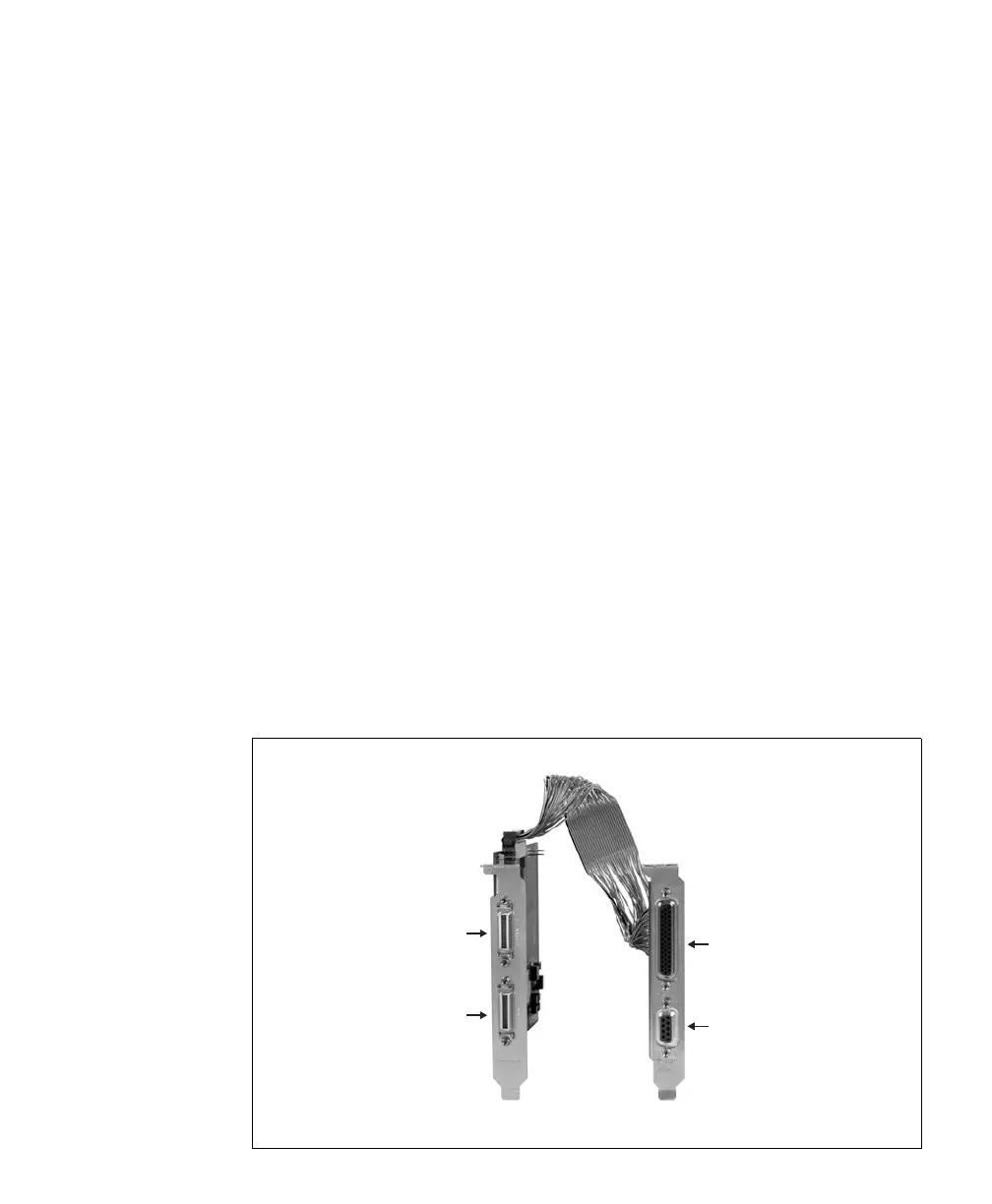
Matrox Solios eCL/XCL dual-Base/single-Medium and Matrox Solios
eCL/XCL-F boards have the following connectors:
• Two Camera Link-compliant video input connectors (on the bracket). Used to
receive video input, timing, and synchronization signals and transmit/receive
communication signals between the video source and the frame grabber.
• Internal auxiliary I/O connector (50-pin). Used to transmit timing and
synchronization signals, and transmit/receive auxiliary signals. The connector is
located on the edge of the board, making the signals accessible from inside the
computer enclosure.
To access the signals of the internal auxiliary I/O connector from outside of the
computer enclosure, you might have installed the corresponding adapter board.
It has the following connectors:
• External auxiliary I/O connector 0 (HD-44). Used to transmit timing and
synchronization signals, and transmit/receive auxiliary signals.
• External auxiliary I/O connector 1 (DB-9). Used to transmit/receive auxiliary
signals.
Connector #0
Connector #1
Connector #
Connector #1
Camera Link
Video Input
External
Auxiliary I/O











 To Next Page