36 Chapter 2: Hardware installation
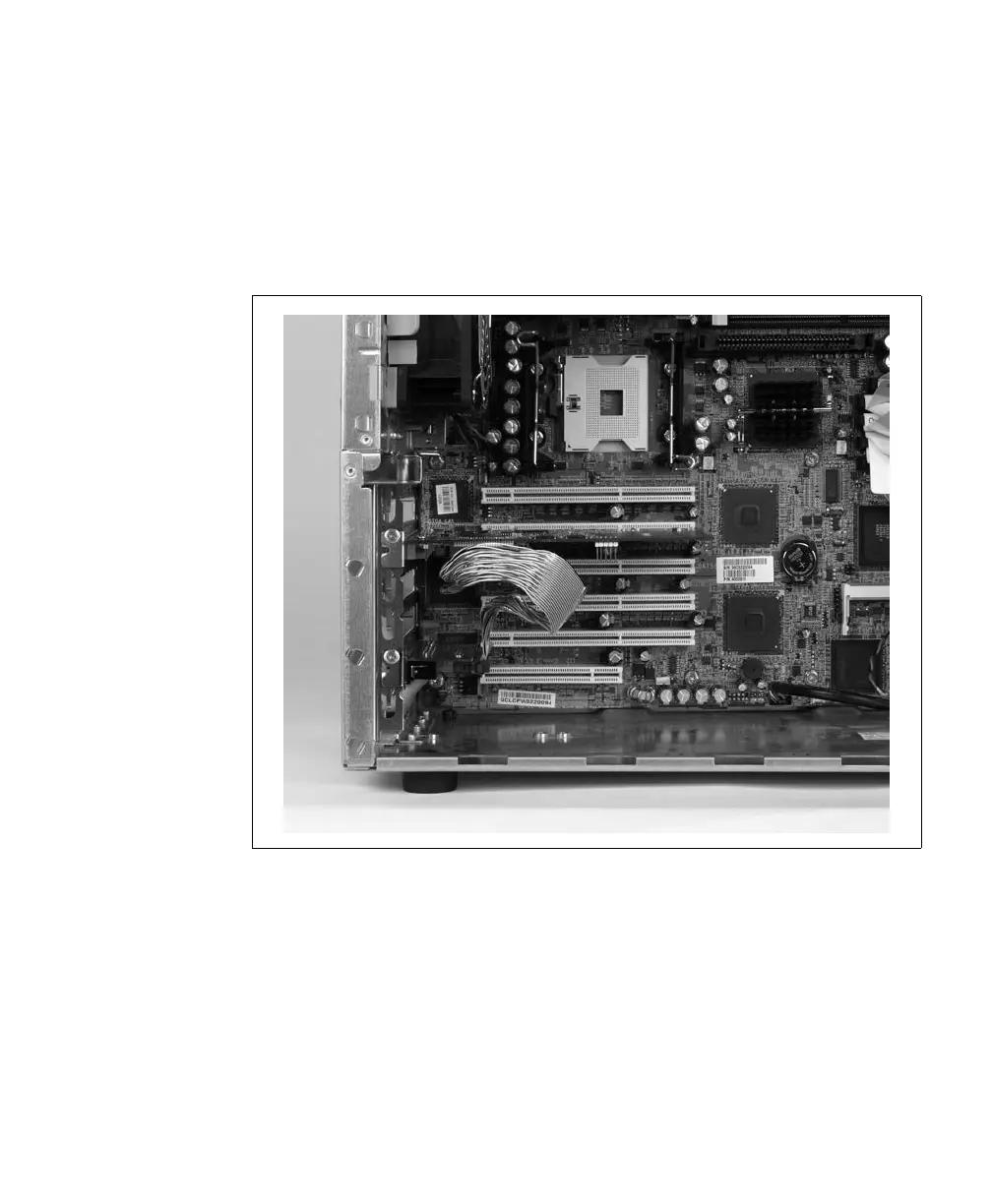
5. If you are installing the adapter board of Matrox Solios eA/XA in a
PCI/PCI-X/PCIe slot, align the board’s tab with the slot’s connector, and then
press the board firmly but carefully into the slot’s connector. For other types of
slots or when installing the adapter board of Matrox Solios eCL/XCL or the
adapter bracket of Matrox Solios GigE, slide the bracket into the opening at the
back of the selected slot.
6. Anchor the bracket to the chassis using the screw that you removed in the previous
section.











 To Next Page