Installing your Matrox Solios board 31
Important Some computers have a large, black-ridged heat sink that prevents long boards
from using some of the PCI board slots. Matrox Solios must not touch the heat
sink. Therefore, choose a slot where the board completely avoids it. If you cannot
find a suitable slot, contact your computer dealer.
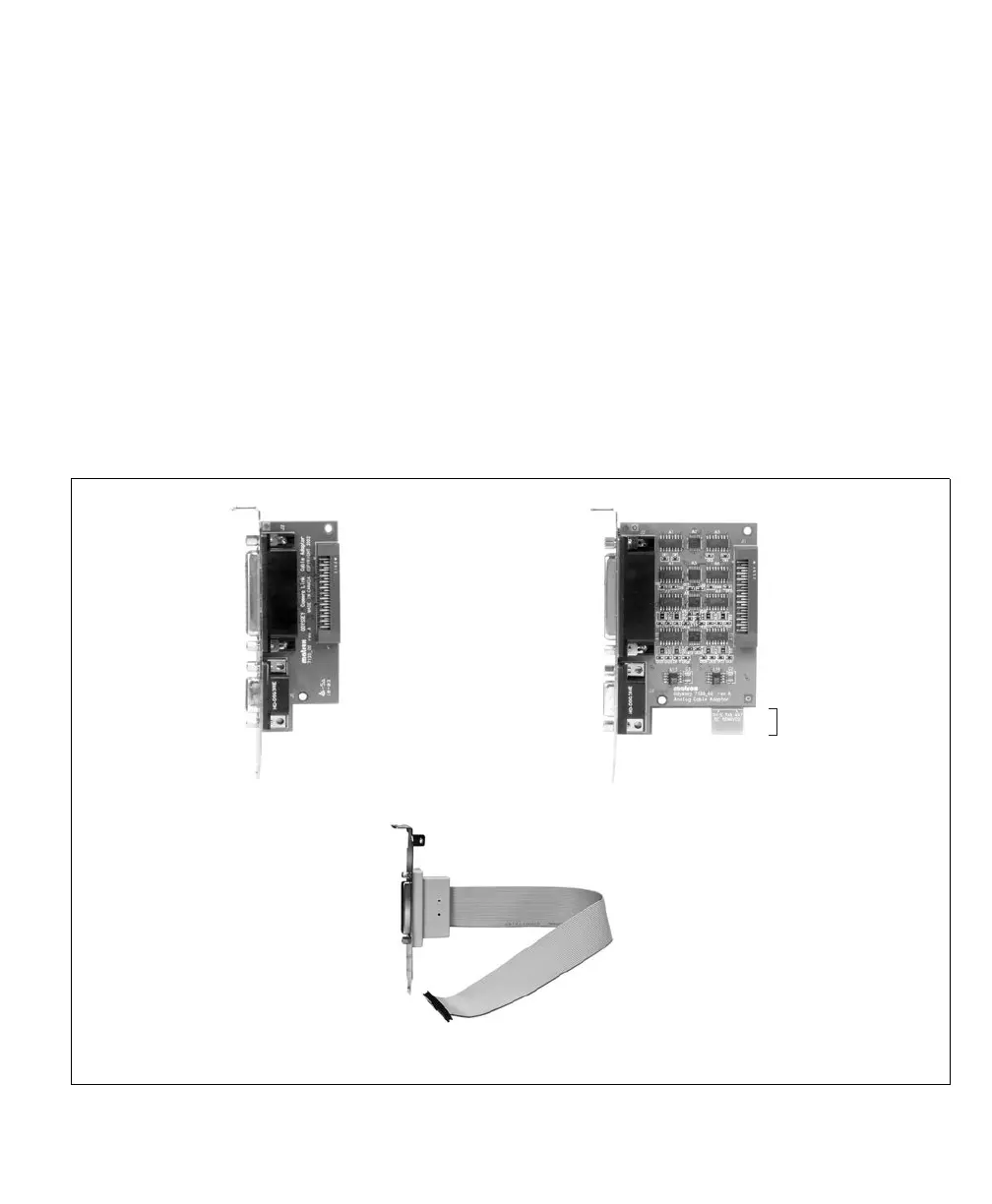
If you also need to install the adapter board/bracket of your Matrox Solios board,
you need an additional slot. This slot need not be adjacent to the Matrox Solios
board. Note that the adapter boards/brackets do not plug into a slot’s
PCI/PCI-X/PCIe connector; they attach only to the back of the computer’s
chassis. Since Matrox Solios eA/XA’s adapter board is longer, it has a support tab
that can be removed; if a PCI/PCI-X slot is selected, the tab will fit into the slot’s
connector, ensuring that the board does not move. For a PCIe slot, the tab will
have to be removed because it physically doesn’t fit.
3. If there is a metal plate at the back of the selected slots, remove it. Keep the screw
from the top of the plates to anchor your boards once they are installed.
External
Auxiliary
I/O
Connector
Adapter bracket for
Matrox Solios GigE
External
auxiliary I/O
connector 0
Internal
auxiliary I/O
connector
External
auxiliary I/O
connector 1
Adapter board for
Matrox Solios eA/XA
Tab
External
auxiliary I/O
connector 0
Internal
auxiliary I/O
connector
External
auxiliary I/O
connector 1
Adapter board for
Matrox Solios eCL/XCL











 To Next Page