Installing your Matrox Solios board 33
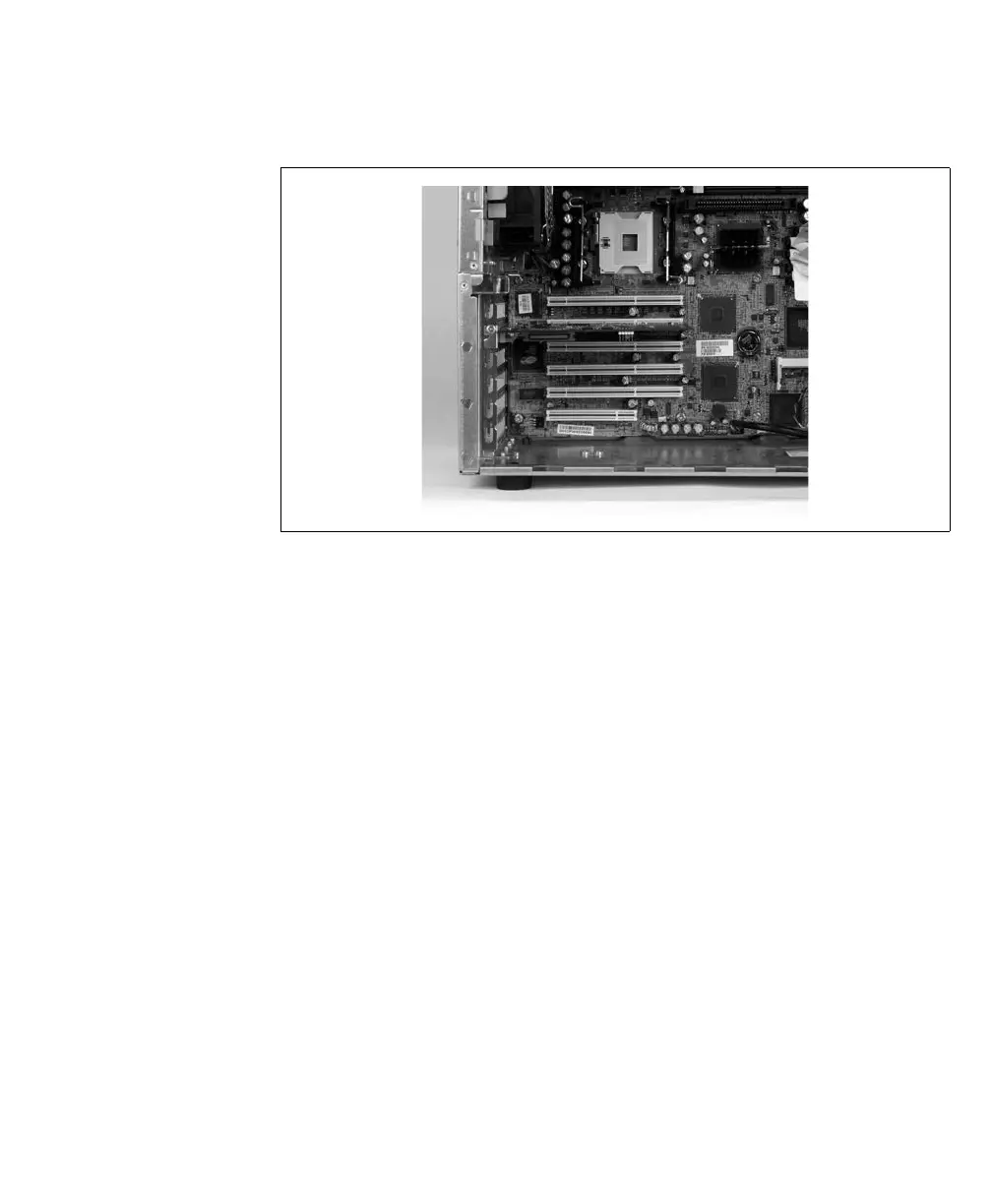
5. Anchor the board using the screw that you removed in step 3.
6. If required, install the adapter board/bracket of your Matrox Solios board, as
described in the section Installing an adapter board/bracket, later in this chapter.
7. Attach your video sources, as described in the section Connecting video sources,
later in this chapter.
8. Turn on your computer.
❖ When you boot your computer, Windows’ Plug-and-Play system will detect a new
Multimedia Video Device and you will be asked to assign it a driver. At this point,
you should click on Cancel because the driver will be installed during the
installation of Matrox Solios software.











 To Next Page