43
Settings
1 Confirm that your CPU supports QSV technology.
2 Enable your Intel graphics card to work with Intel integrated graphics
(iGPU) in BIOS and save changes.
3 Install the latest Intel graphics drivers (strongly recommended). QSV
acceleration may not be available or not work with old graphics drivers.
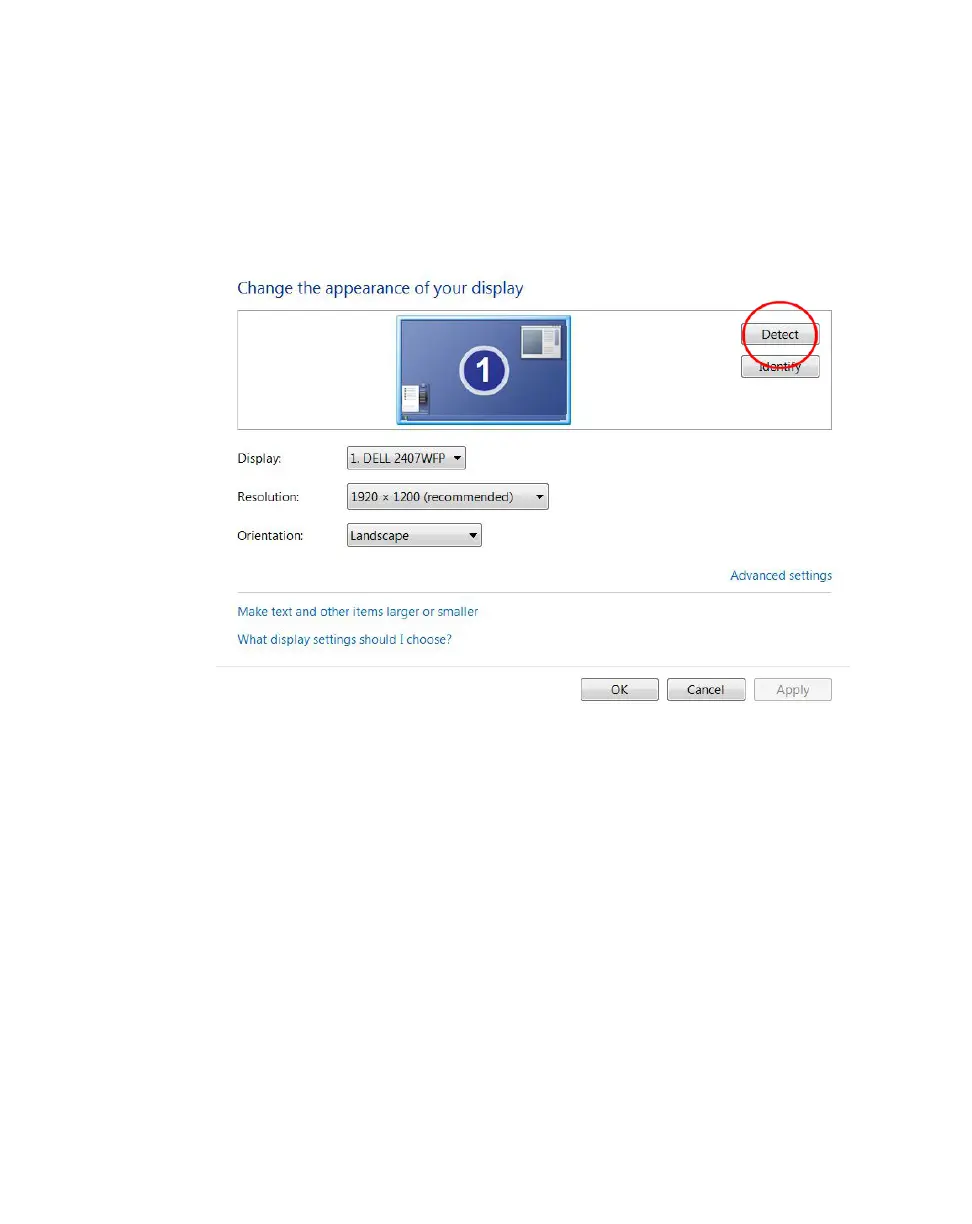
4 Go to your Screen Resolution settings, and click Detect to expose inactive
video outputs.



 To Next Page