Erasing a BlackArmor Drive 100
Maxtor Black Armor
Note: For information on installing the Maxtor Manager software, see Getting Started.
Step 7: Launch the Maxtor Manager application.
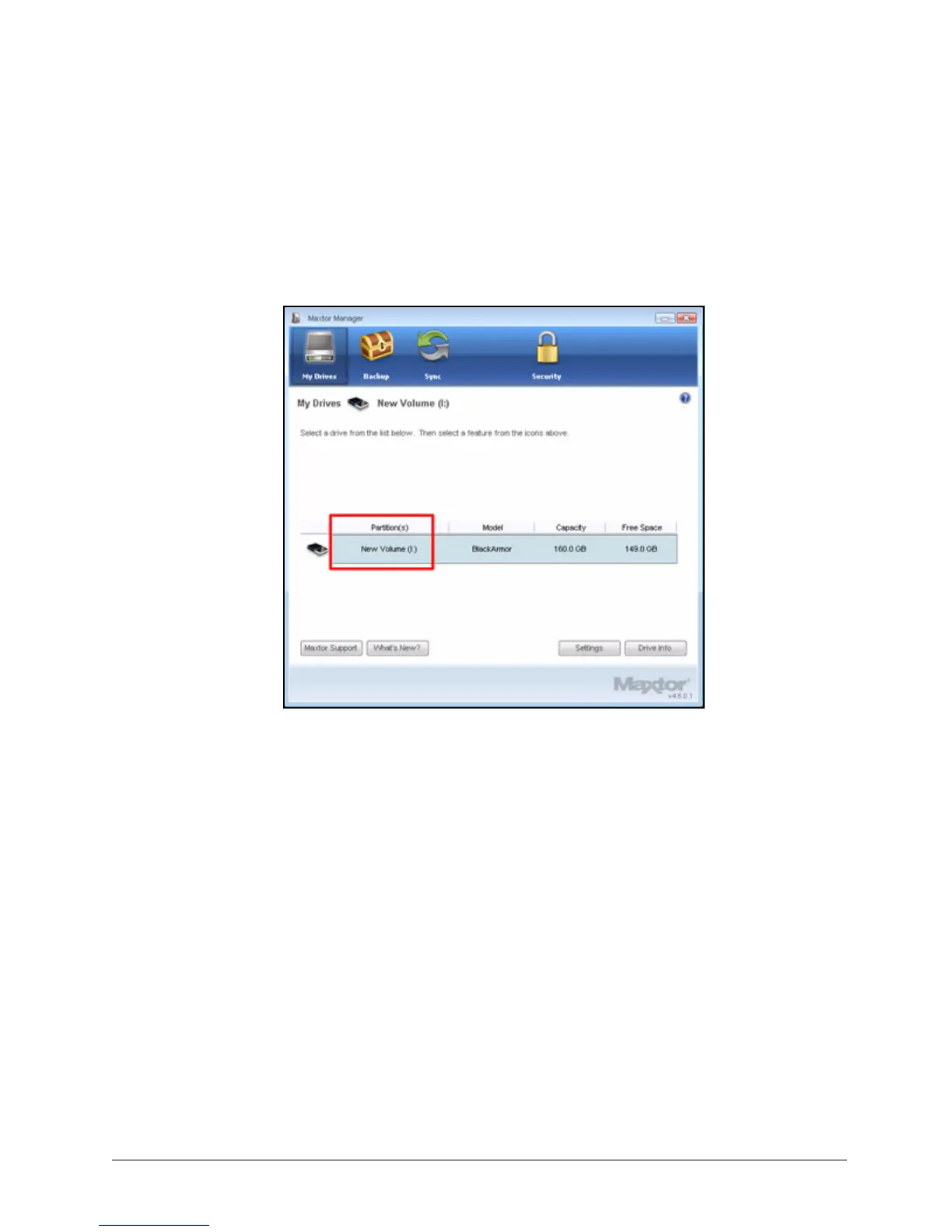
After you’ve configured and unlocked your BlackArmor and opened Maxtor
Manager, you’ll see that the My Drives window now displays the partition name
New Volume rather than BlackArmor as it did before you erased the drive:
If you wish, you can rename the drive BlackArmor in your My Computer window
just as you would rename any other device.
Figure 115: New Volume













 To Next Page