Testing Your Drive 15
Maxtor Black Armor
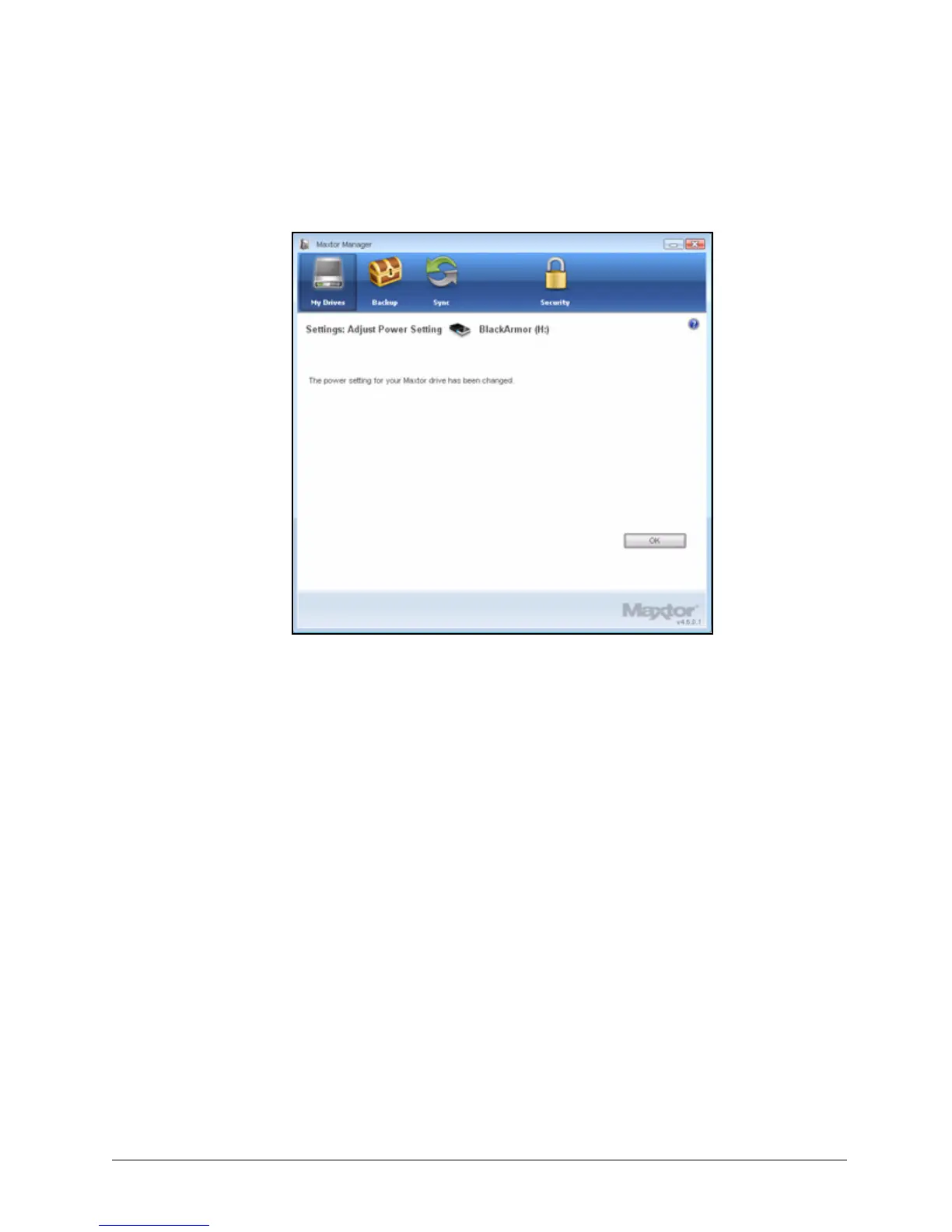
The Adjust Power Setting window confirms that the power setting for your drive
has been changed:
Step 5: Click OK to return to the My Drives window.
Testing Your Drive
Test your drive to check the health of your BlackArmor drive. The diagnostic utility performs its
tests without affecting the data on your drive.
To test your drive,
Step 1: In the My Drives window, click Settings.
Figure 18: Power Setting Confirmation













 To Next Page