Updating Your Software 19
Maxtor Black Armor
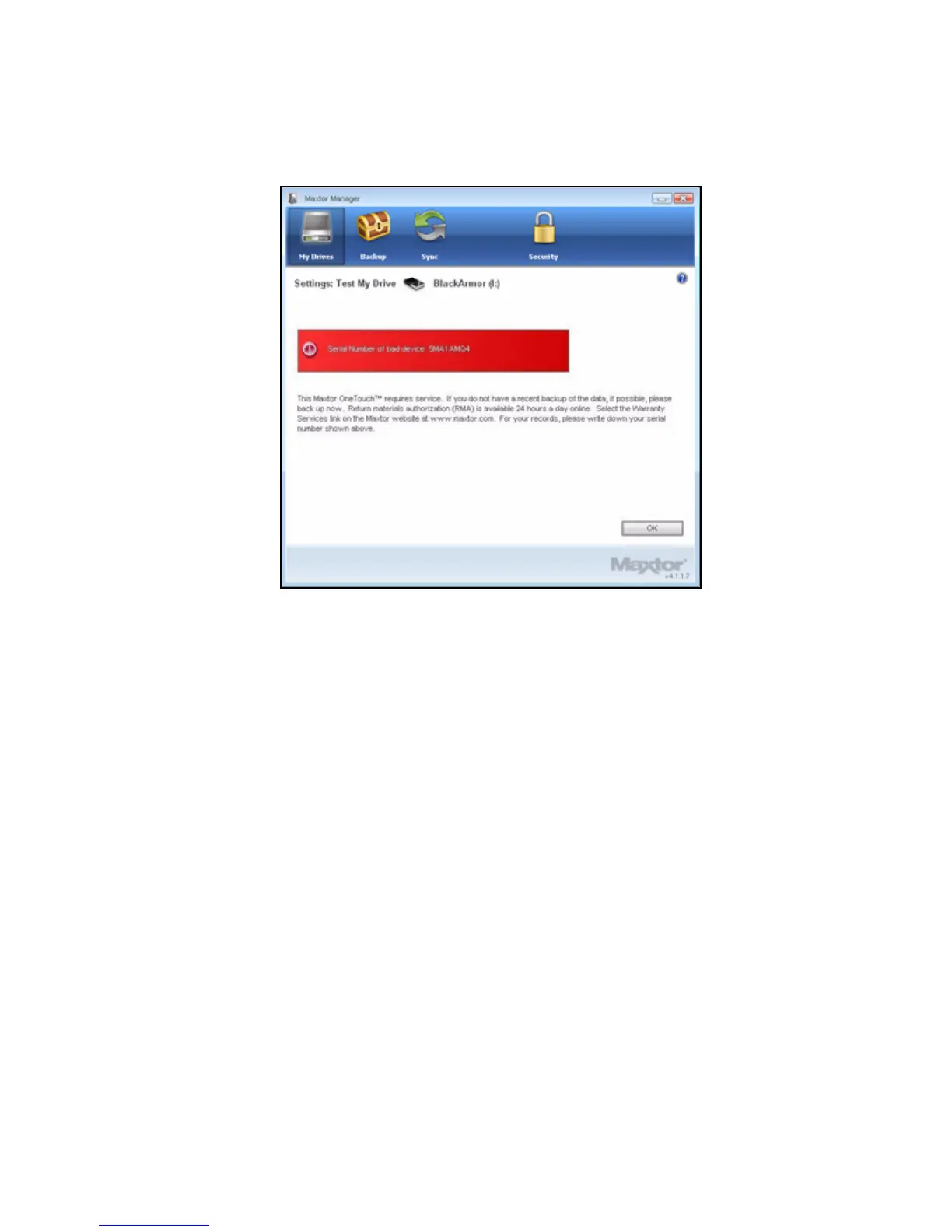
Step 4: Click OK and contact Seagate Support for further assistance.
Updating Your Software
The Software Update feature automatically informs you when an update is available for your
software. However, you can manually check to see if an update is available or you can turn off
the Software Update feature.
To check for software updates,
Step 1: In the My Drives window, click Settings.
Figure 22: Drive Test - Bad Drive













 To Next Page