12
Maxtor Black Armor
Managing Your Drives
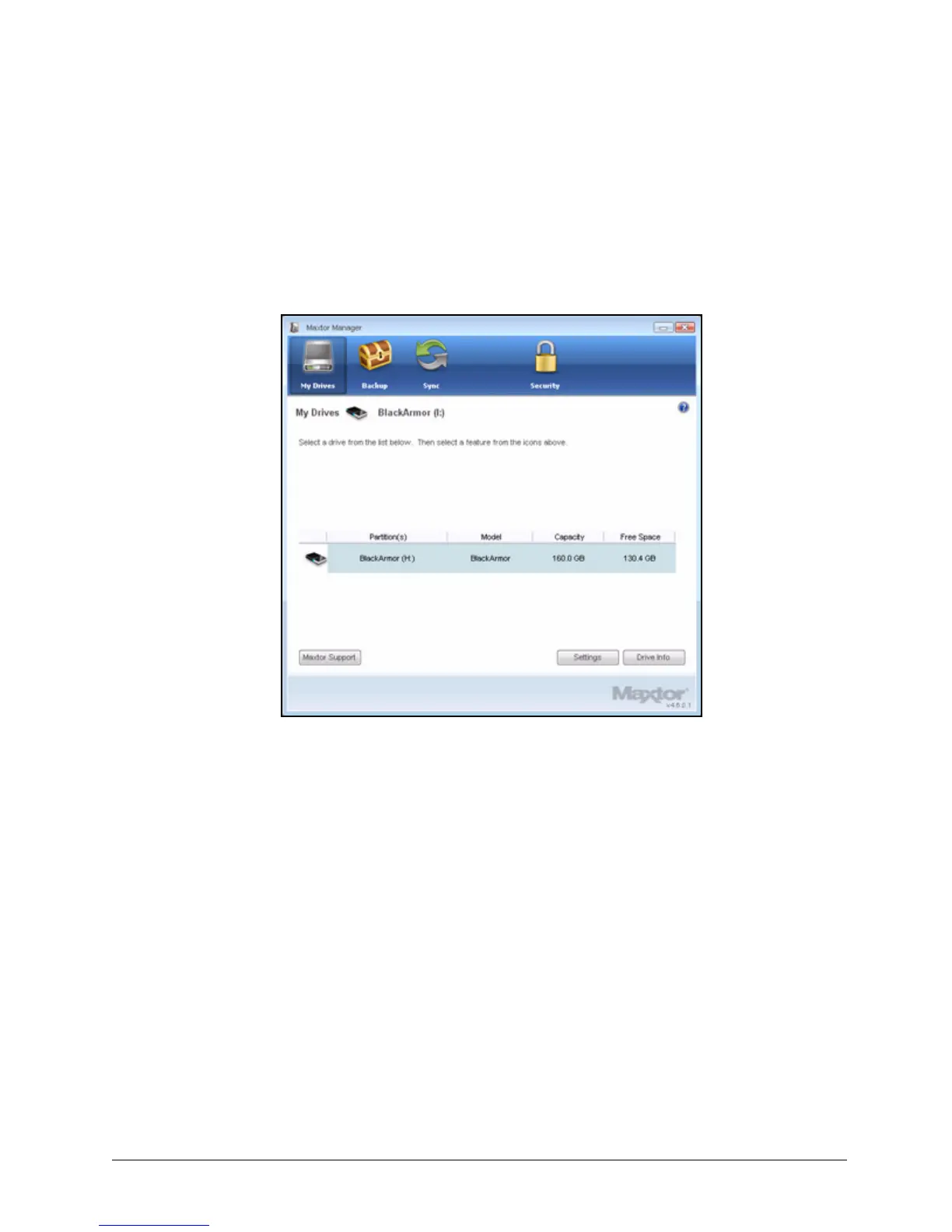
The My Drives window provides a central point from which to manage your Maxtor
BlackArmor™ drives:
The icons across the top of the Maxtor Manager window allow you to access your drive
features.
In the My Drives window,
Step 1: Select a drive.
Step 2: Click an option from the icons across the top of the Maxtor Manager window.
Note: External drives are automatically detected and listed in the My Drives window. It can take
a few seconds for the Maxtor Manager software to detect your drive. If your drive doesn’t
appear, make sure it’s properly connected and turned on.
Figure 3: My Drives













 To Next Page