Creating a Backup Plan 25
Maxtor Black Armor
Step 3: Enter a name for your Backup Plan and click OK.
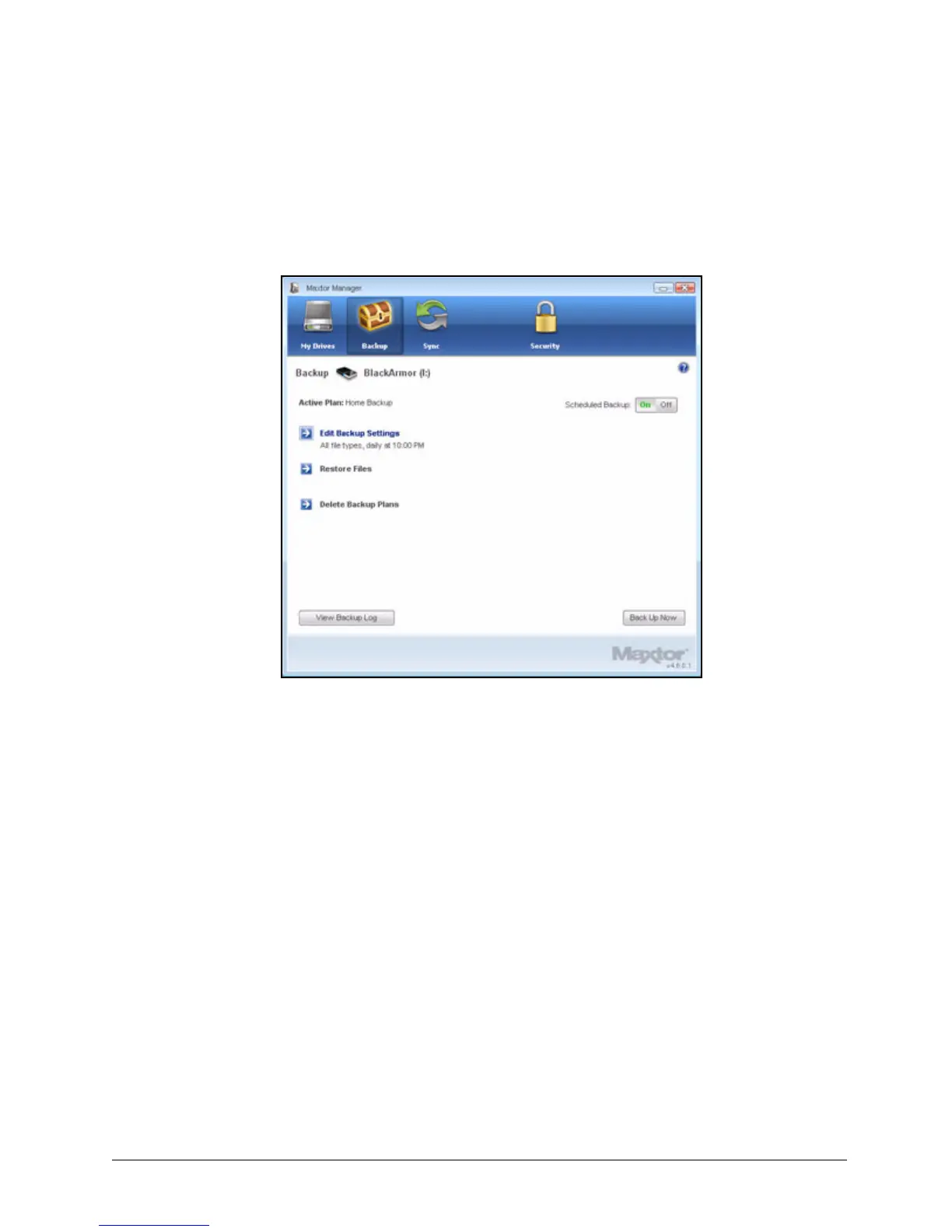
The Backup window now allows you to edit your backup settings and restore
backed up files and describes your Backup Plan and the details of your last
backup.
Creating a Custom Backup
To select specific folders for backup and set up a backup destination and schedule,
Step 1: Click the Backup icon in the Maxtor Manager window.
Figure 29: Simple Backup Details













 To Next Page