Editing Sync Settings 57
Maxtor Black Armor
(b) If you’ve synchronized your XP My Documents (or Vista Personal Folder),
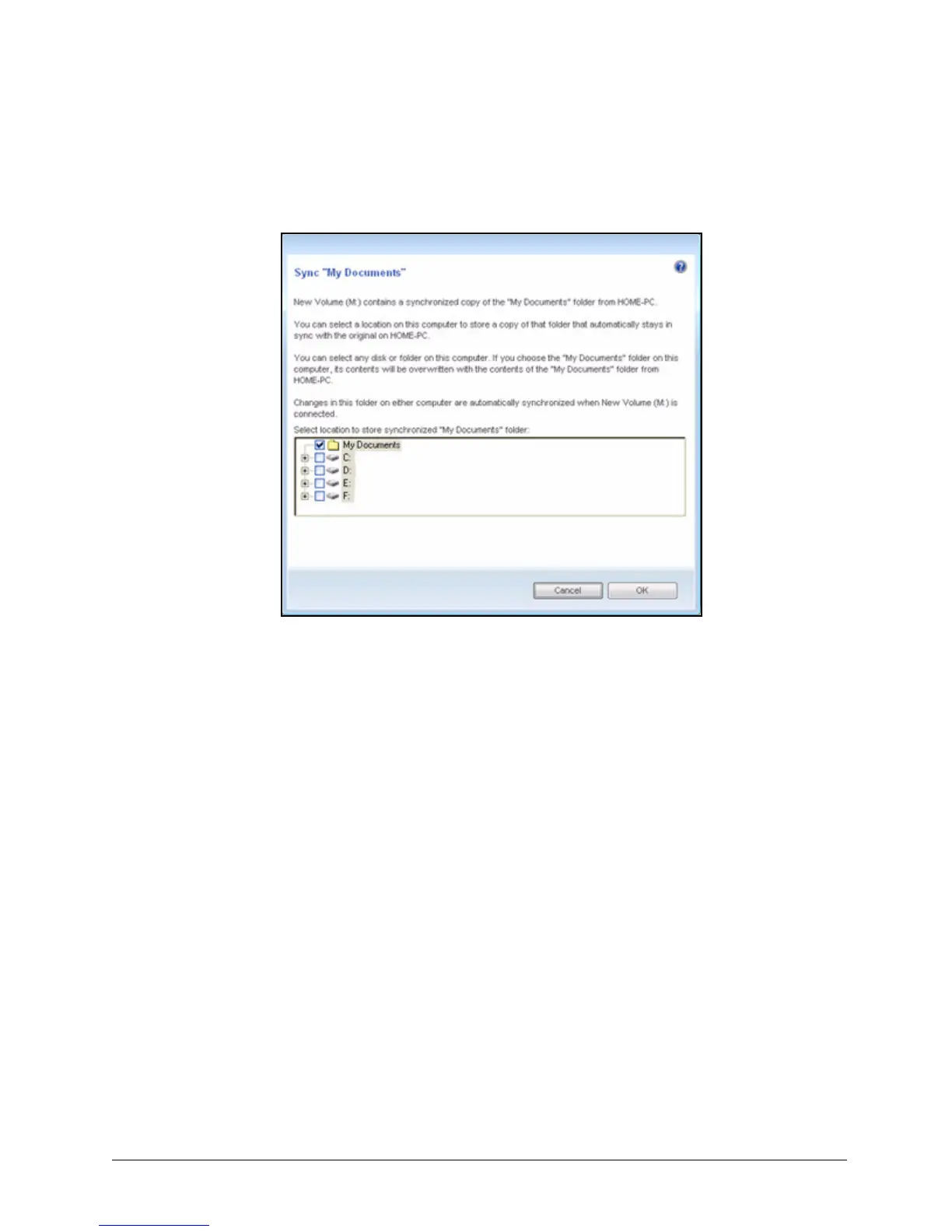
the Sync “My Documents” (or Sync “Personal Folder”) window opens:
(c) If you’ve synchronized both XP My Documents (or Vista Personal Folder)
and other folders, both windows open.
Step 3: In each window, select the location at which to store the synchronized folders on
this computer and click OK.
From now on, the selected folders will automatically sync with the versions on
your BlackArmor drive each time you connect the drive to the computer.
Editing Sync Settings
To change any of your Sync settings,
Step 1: Click the Sync icon in the Maxtor Manager window.
Figure 61: Sync My Documents or Personal Folder













 To Next Page