Managing Backup Settings 32
Maxtor Black Armor
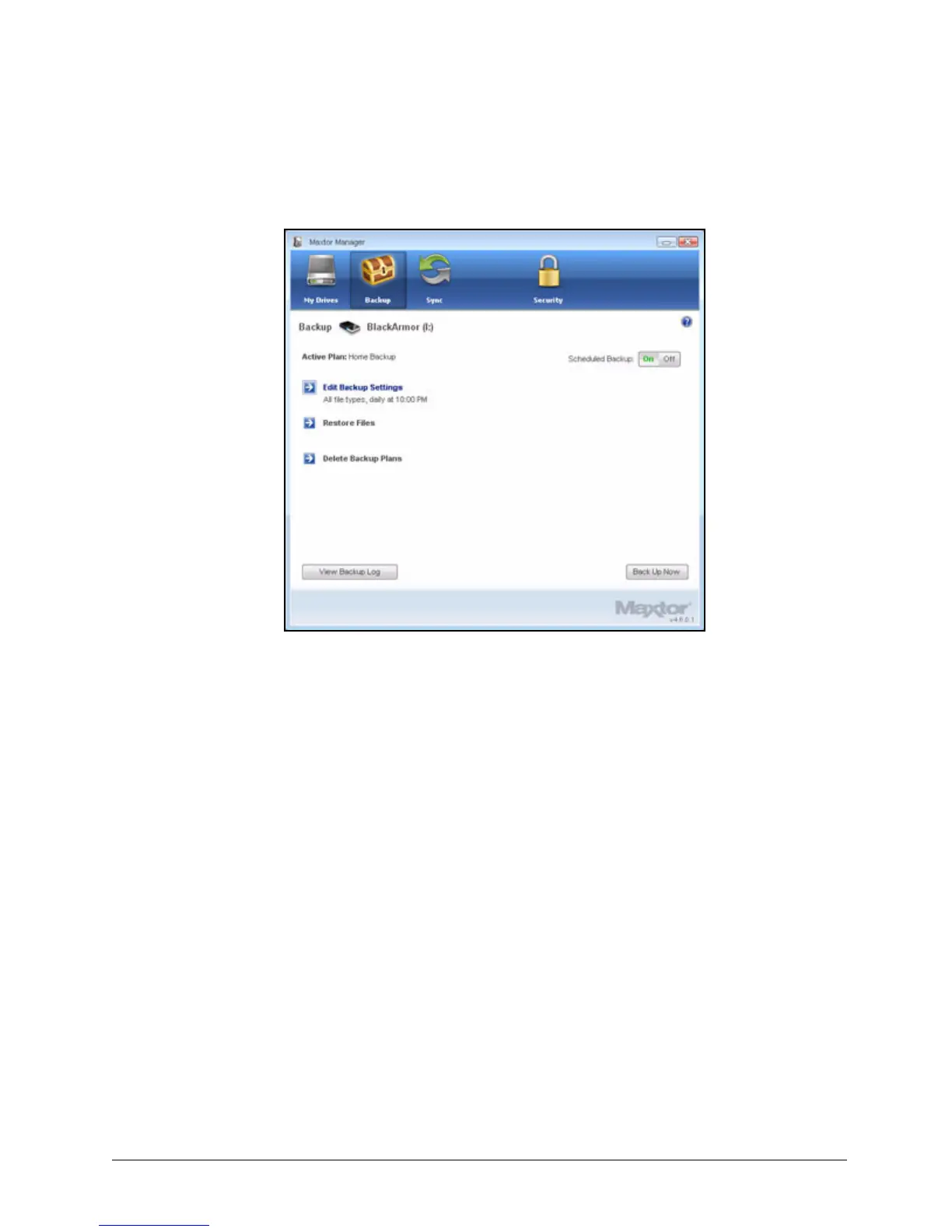
The Backup window now offers the options of editing your backup settings and
restoring backed up files and describes your Backup Plan.
Managing Backup Settings
Use the Backup window to manage your backup settings:
• Edit your backup settings
• Restore backed up files
• Delete Backup Plans
• Turn Scheduled Backup on or off
• Back up a folder manually
• View the Backup Log
Editing Backup Settings
To edit the settings for a Backup Plan,
Step 1: Click the Backup icon in the Maxtor Manager window.
Figure 36: Custom Backup Details













 To Next Page