Restoring Files 46
Maxtor Black Armor
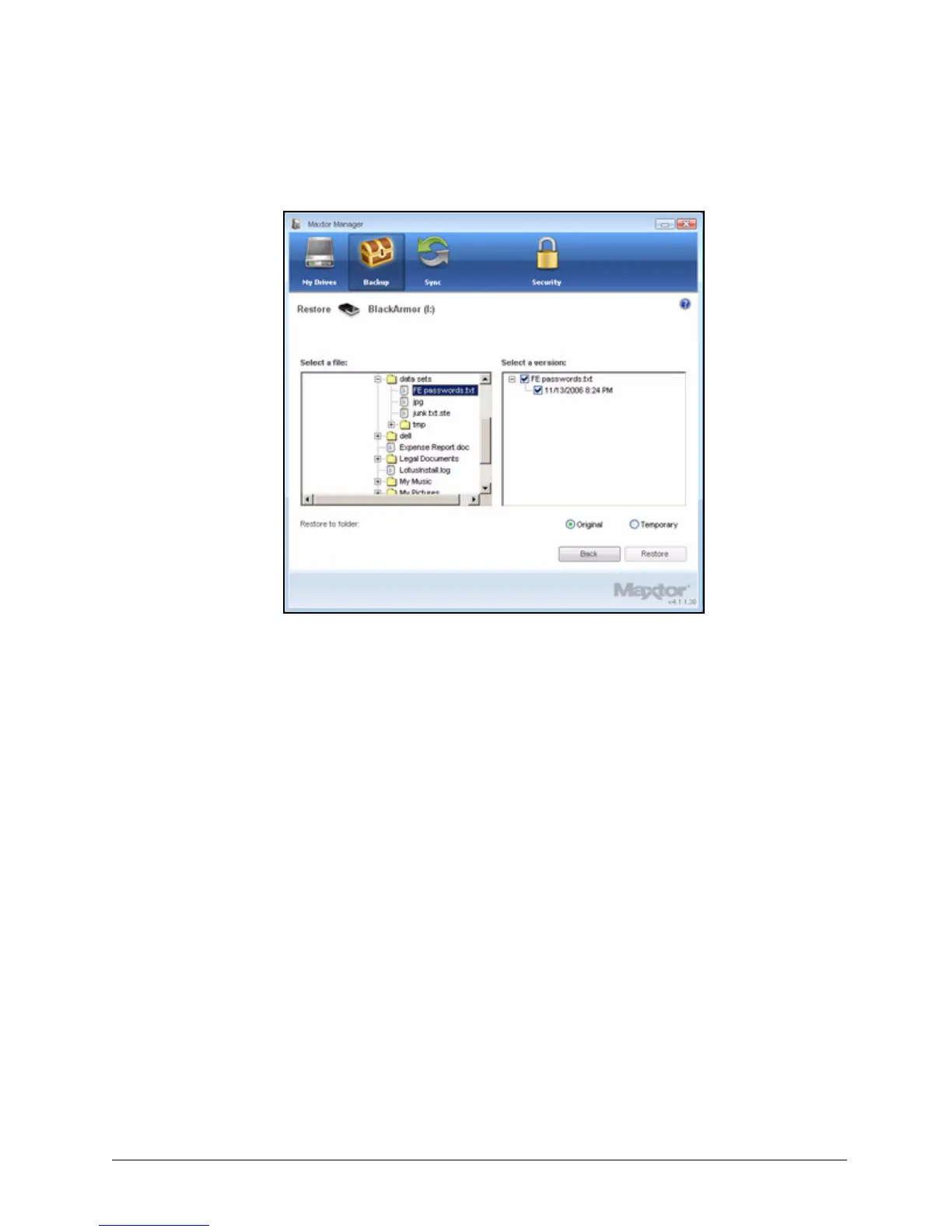
The Restore Historical Version window opens:
Step 2: Select a file and file version to be restored and click Restore.
The selected file version is restored to the location noted in the Restore
Historical Version window.
Restoring the Most Recent Version
Step 1: Click Restore most recent version to restore the latest version of a file.
Figure 50: Restore Historical Version













 To Next Page