Using the Password Hint 77
Maxtor Black Armor
Using the Password Hint
BlackArmor not only allows you to set a hint to help you remember your password, but also
protects that password hint with a security question you must answer in order to retrieve the
password hint. You can delete or change your password hint any time.
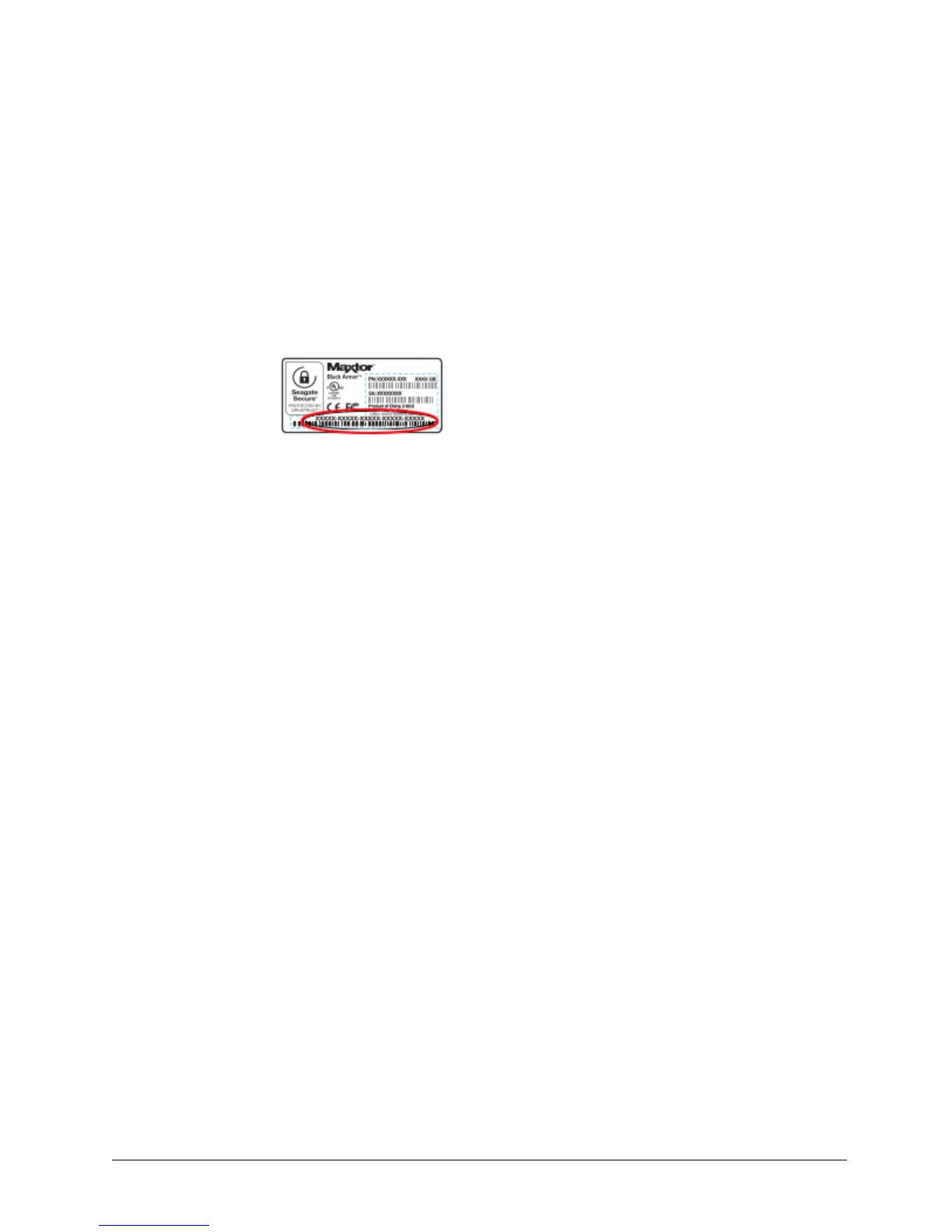
Note: To set, change, or delete a password hint, you must enter the 25-character identification
code printed on your BlackArmor drive label:
Opening the Set Password Hint Window
The Set Password Hint window can be opened from any of three windows:
• The Unlock Drive window:
(a) Click Hint in the Unlock Drive window.
If no password hint has been set, the Password Hint Not Set window opens.
Figure 84: Drive Label Identification Code













 To Next Page