Erasing a BlackArmor Drive 90
Maxtor Black Armor
Erasing a BlackArmor Drive
If you’ve forgotten your password and cannot unlock the BlackArmor drive, the only way you
can continue to use it is to securely erase it using KeyErase™. KeyErase regenerates the
drive encryption key, during which process all it the drive has been erased.
To erase your BlackArmor drive,
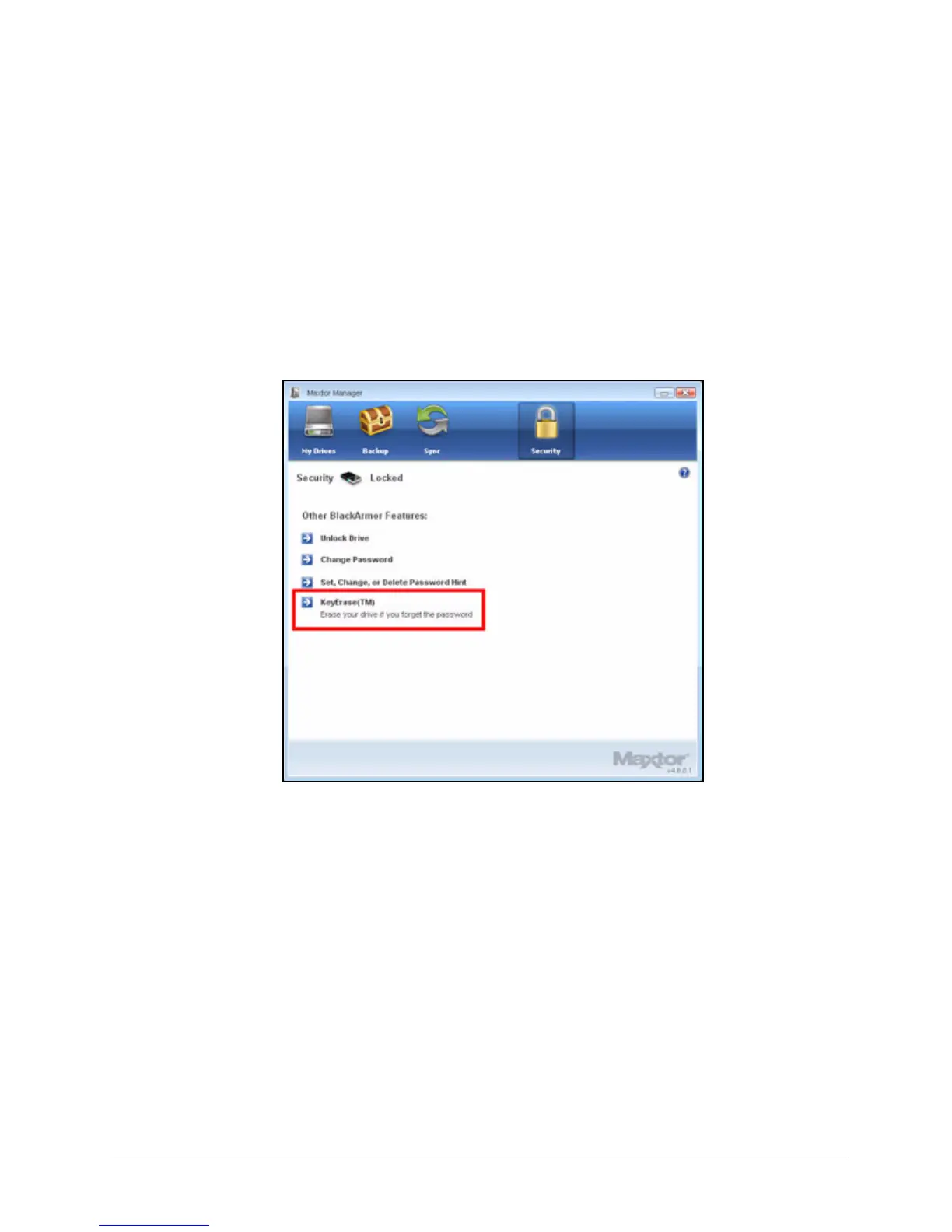
Step 1: Click the Security icon in the Maxtor Manager window.
The locked Security window opens:
Step 2: Click KeyErase™.
Figure 102: Security - Drive Locked













 To Next Page