Restoring Files 43
Maxtor Black Armor
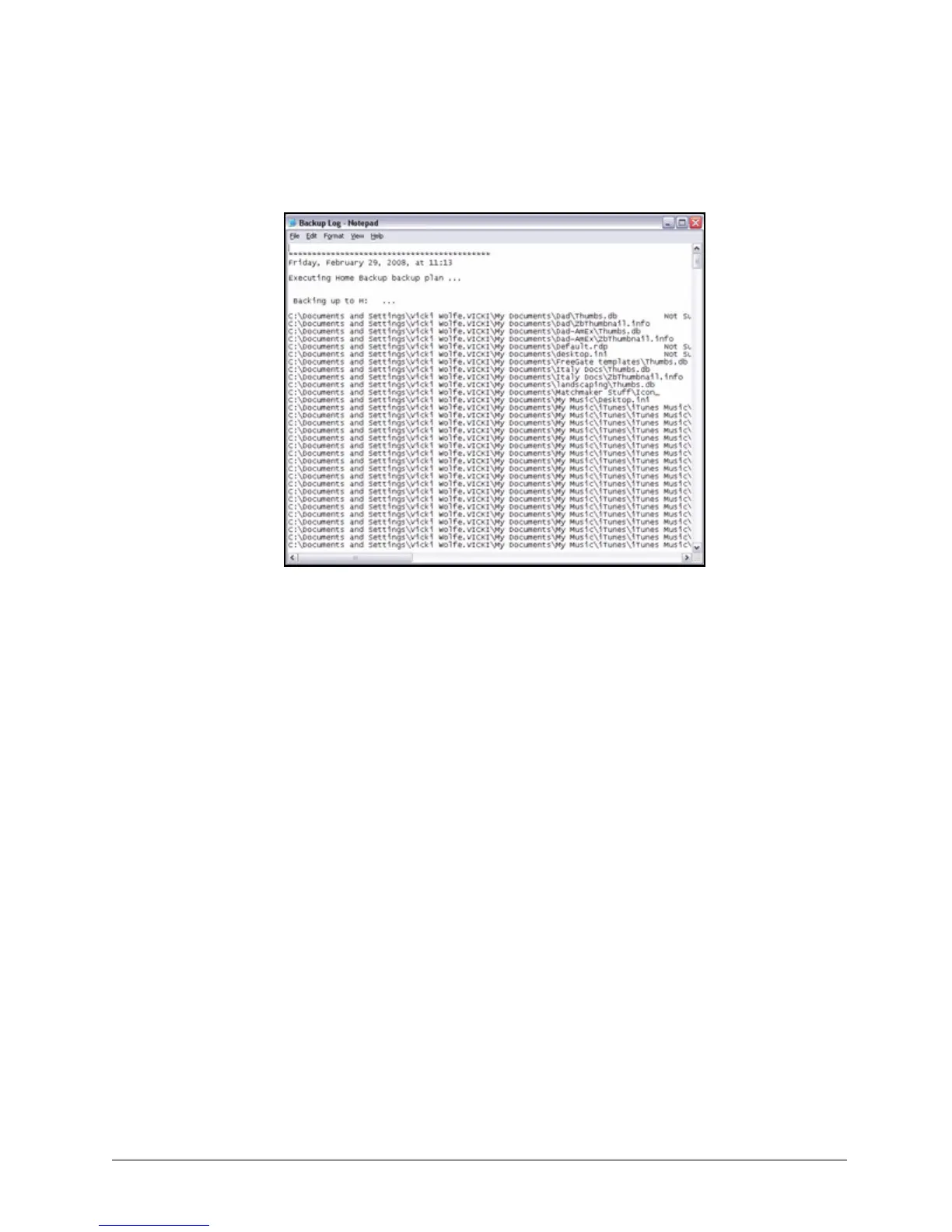
Step 2: Click View Log to open a text file showing the history of your system backups:
Restoring Files
When you back up the files stored in selected folders, the Maxtor Manager saves ten (10)
previous, or historical, versions of each revised file stored on your BlackArmor drive. You can
restore a saved historical version of a backed up file based on the date it was last modified or
you can restore the most recent version of a backed up file.
To restore files,
Step 1: Click the Backup icon in the Maxtor Manager window.
Figure 47: Backup Log













 To Next Page