Using Automatic Overwrite 67
Maxtor Black Armor
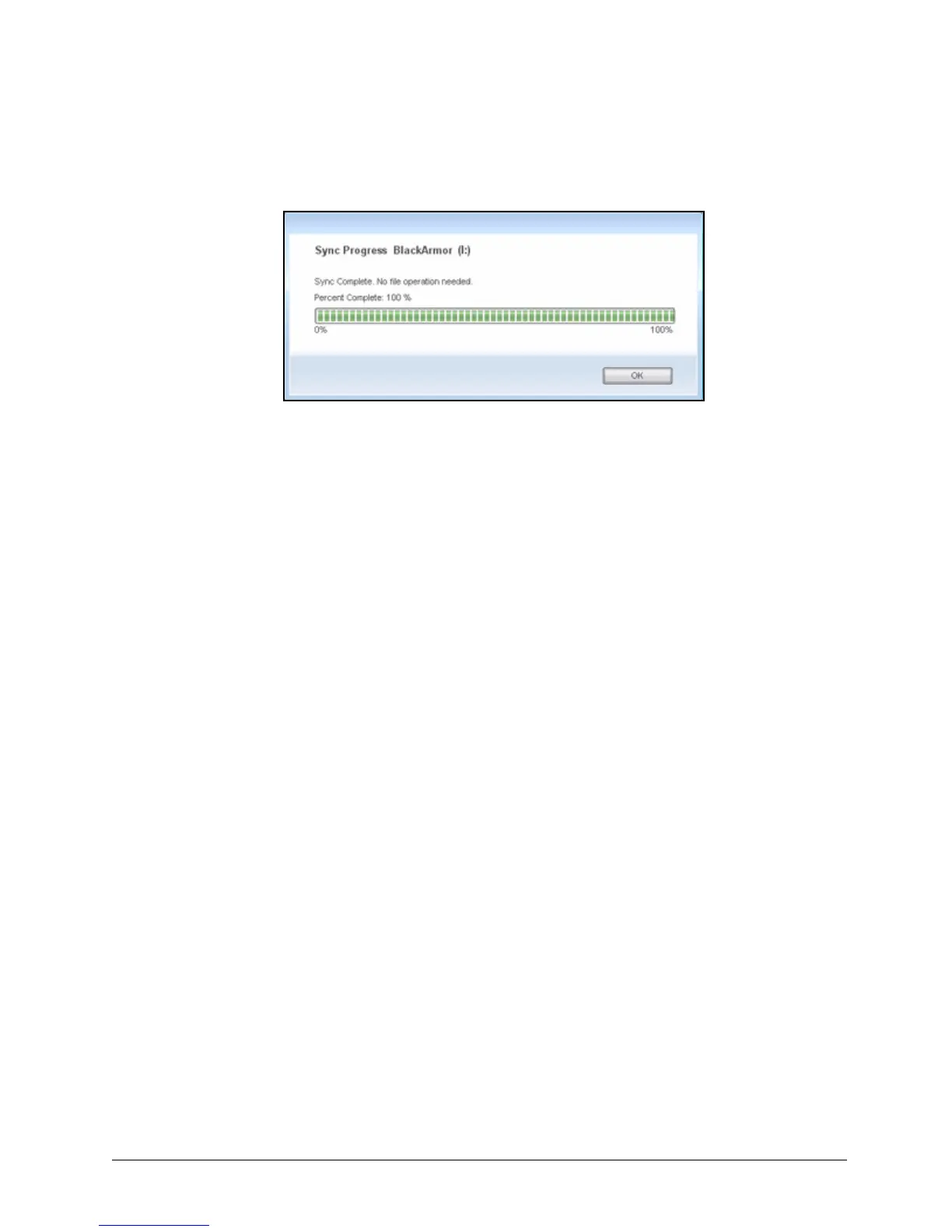
A Sync Progress window informs you of the progress of the sync.
Step 4: When the sync is complete, click OK to close the window.
Using Automatic Overwrite
The Automatic Overwrite feature instructs Maxtor Manager to replace old file versions with new
versions each time a sync occurs.Your BlackArmor drive must be connected to use Automatic
Overwrite.
• When Automatic Overwrite is on, older file versions are always replaced with newer
versions.
• When Automatic Overwrite is off, the Maxtor Manager displays the Sync Preview
window to allow you to decide whether to overwrite, add, or delete files on an
individual basis
By default, Automatic Overwrite is turned on.
Figure 72: Sync Progress













 To Next Page