Unlocking the BlackArmor Drive 72
Maxtor Black Armor
Managing BlackArmor
™
Security
BlackArmor™ security uses Government-grade AES encryption technology certified by the
National Institute of Standards and Technology (NIST) to provide the strongest hardware-
based, full disk encryption available for an external storage device. Your entire drive and all
the data stored on it are protected by a drive encryption key from unauthorized access.
Unlocking the BlackArmor Drive
Your BlackArmor drive locks automatically each time you disconnect it from a computer. You
can unlock it in either the Maxtor Manager application or the BlackArmor Manager application
when your drive is connected to a computer on which the Maxtor Manager software is not
installed.
Note: For information on unlocking your drive in the BlackArmor Manager application, see Using
BlackArmor Manager.
To unlock your drive in the Maxtor Manager application,
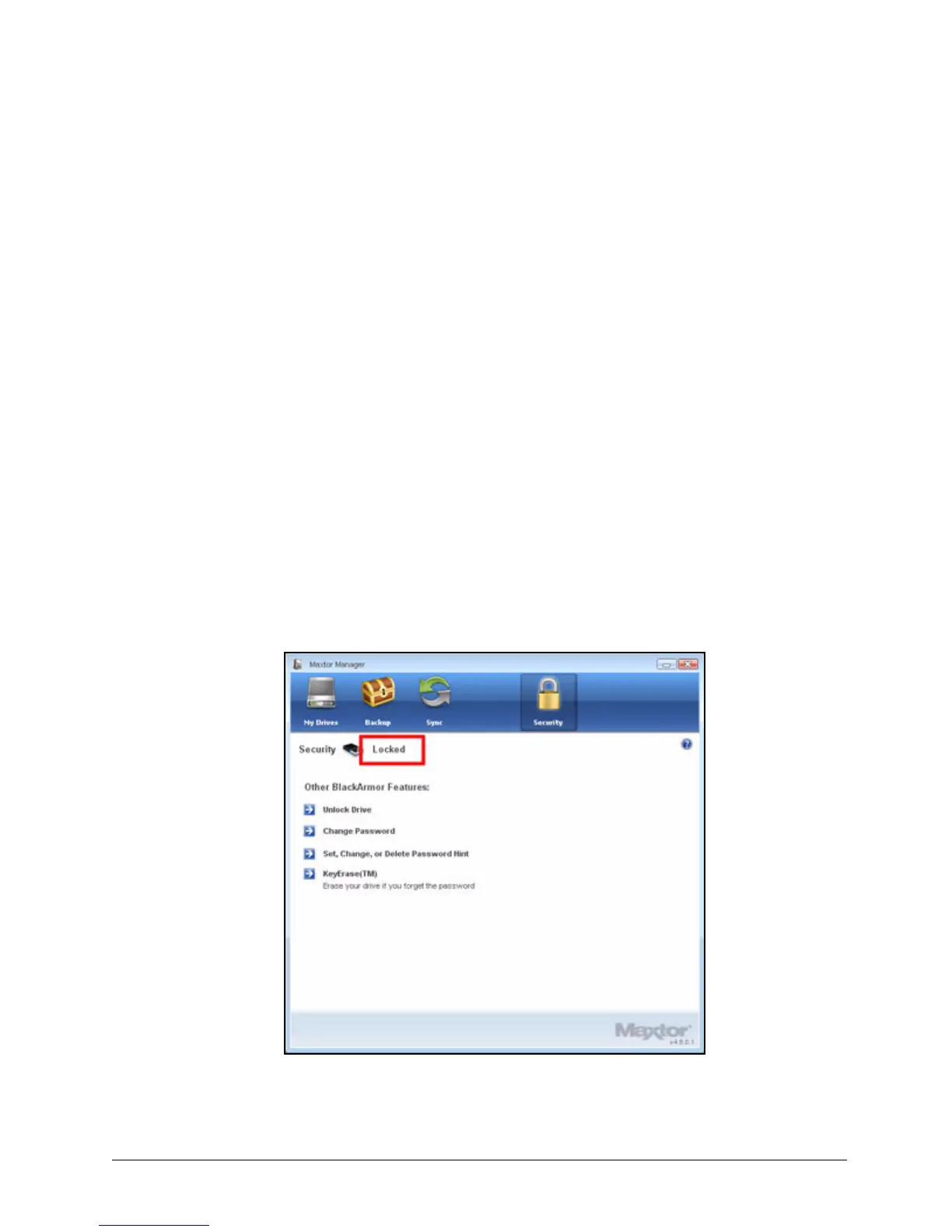
Step 1: Click the Security icon in the Maxtor Manager window.
The Security window opens:
Figure 78: Security - Drive Locked













 To Next Page