Using the BlackArmor Manager Features 118
Maxtor Black Armor
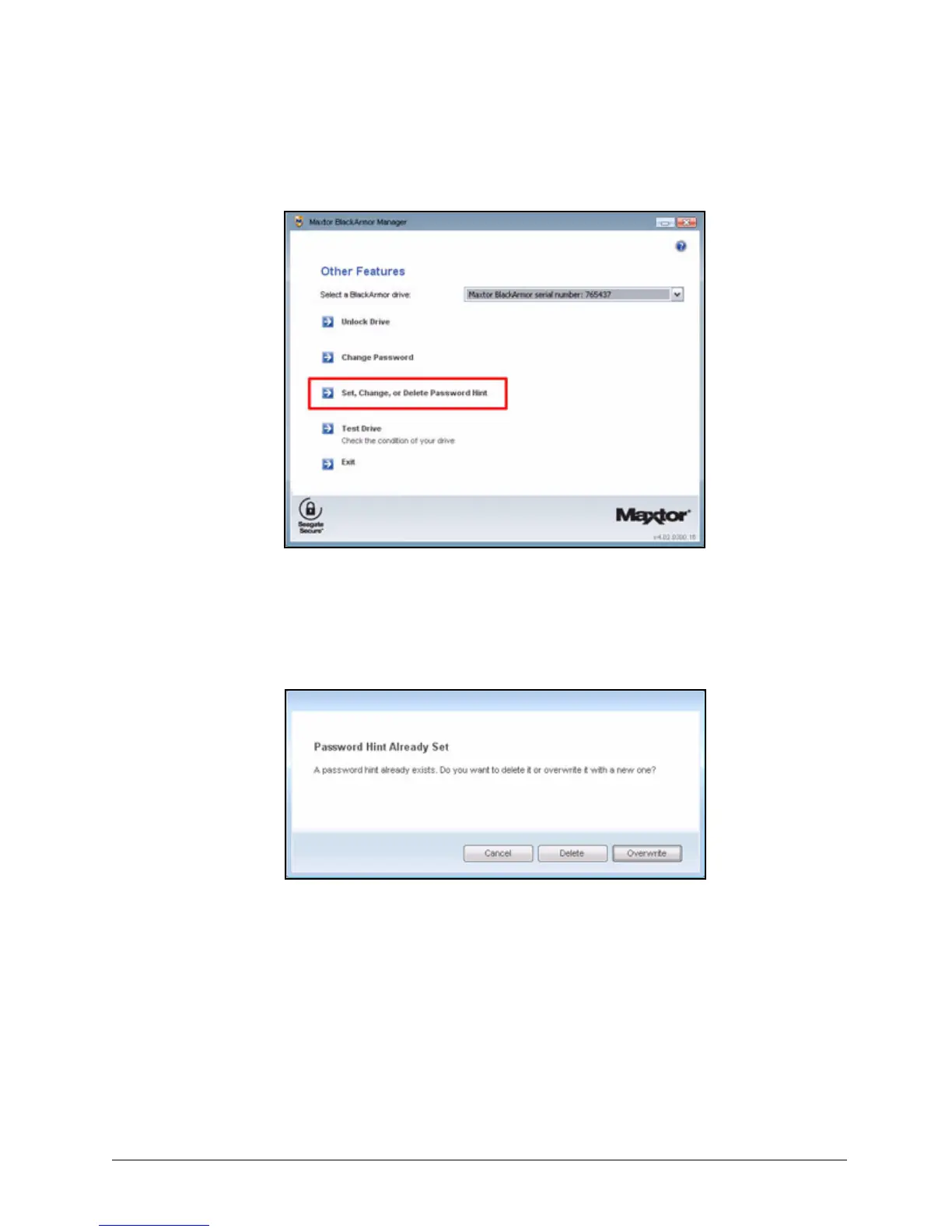
The Other Features window opens:
Step 3: Click Set, Change, or Delete Password Hint.
A message informs you that a password hint has already been set and asks if you
want to delete it or overwrite it with a new password hint.
Figure 139: Other Features
Figure 140: Password Hint Already Set













 To Next Page