Using the Maxtor System Tray Icon 9
Maxtor Black Armor
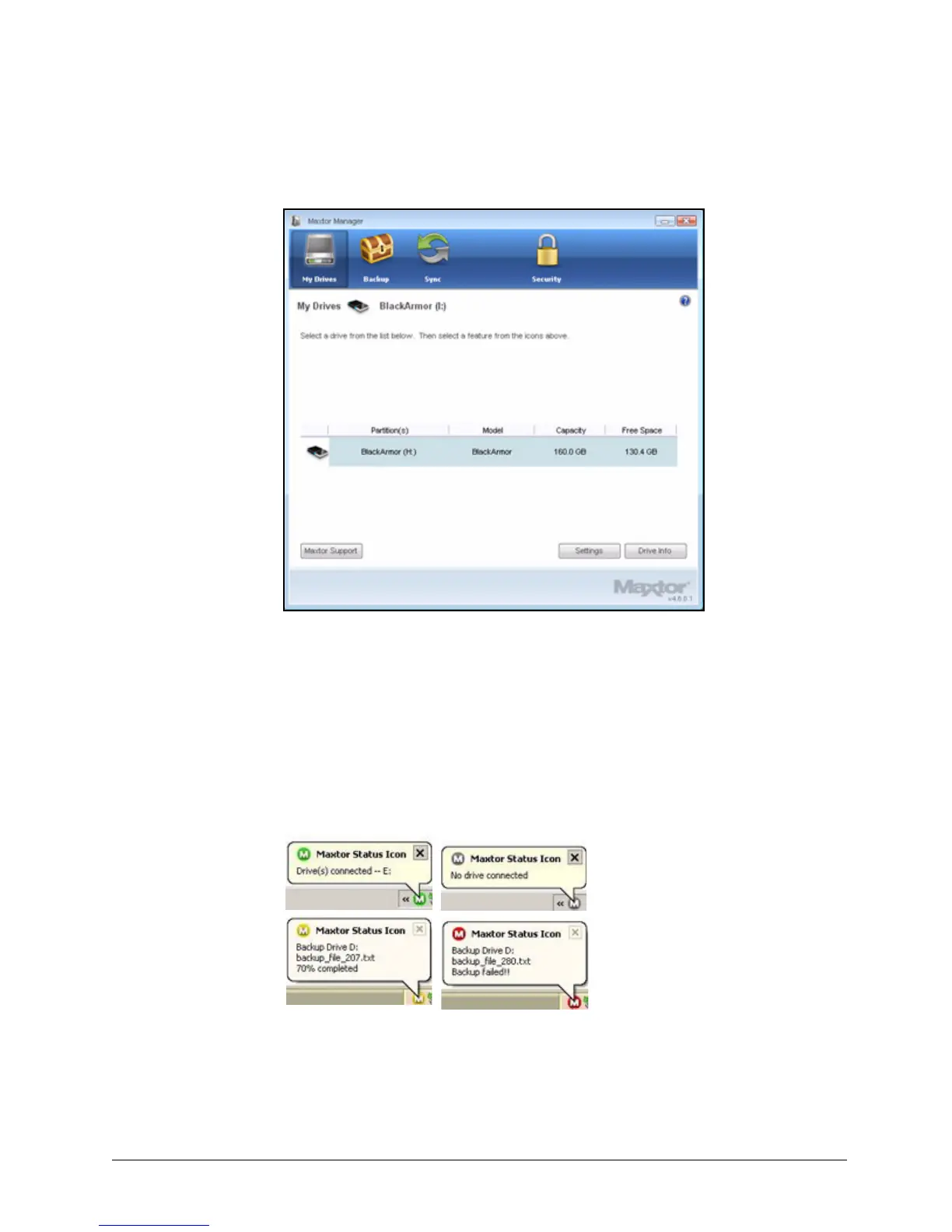
Step 8: Double-click the Maxtor Manager icon to open the BlackArmor application:
Using the Maxtor System Tray Icon
You can use the Maxtor Manager system tray icon to check the status of your BlackArmor drive
and to access the drive features.
Step 1: To check the status of your drive, roll your mouse over the system tray icon:
The information popup confirms the drive’s status and identifies the drive letter.
Figure 13: My Drives
Figure 1: System Tray Icons













 To Next Page