Using the BlackArmor Manager Features 112
Maxtor Black Armor
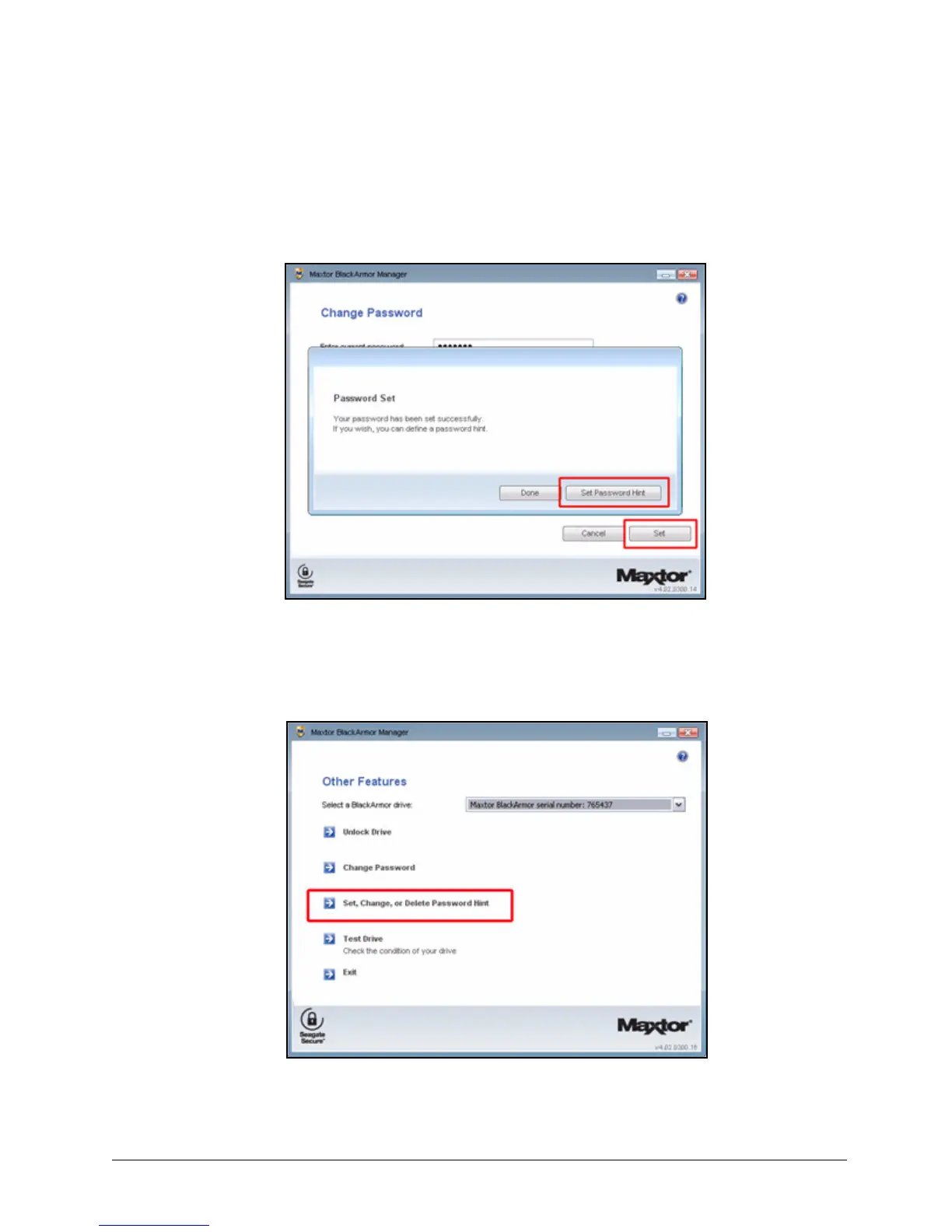
• The Change Password window:
(a) Set a new password in the Change Password window.
(b) Click Set Password Hint in the Password Set window.
• The Other Features window:
Click Set, Change, or Delete Password Hint in the Other Features window:
Figure 129: Set Password Hint from the Change Password Window
Figure 130: Set Password Hint from the Other Features Window













 To Next Page