Using Automatic Sync 65
Maxtor Black Armor
Step 3: Click Delete.
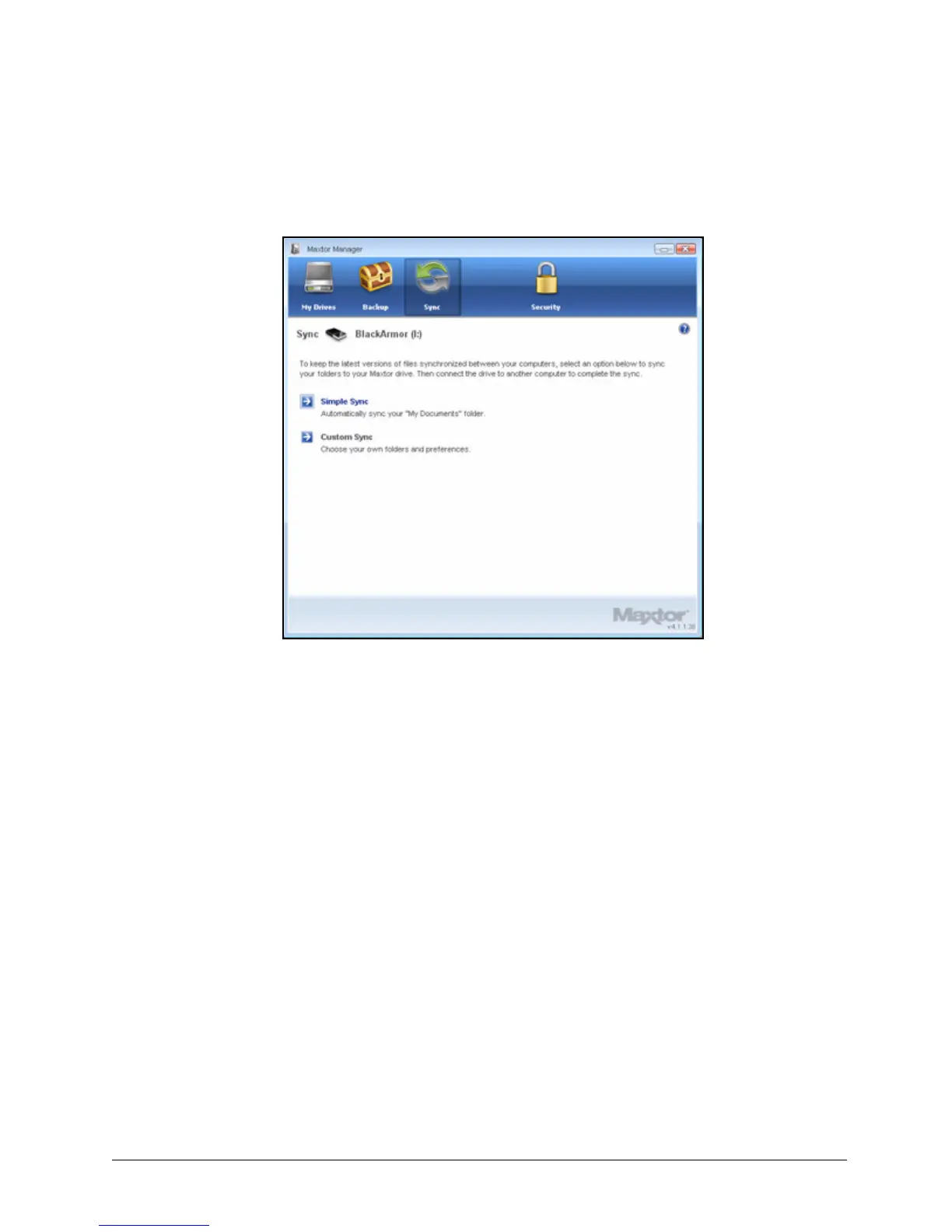
The original Sync window opens:
Step 4: To create new Sync settings, select Simple Sync or Custom Sync.
Using Automatic Sync
The Automatic Sync feature continuously tracks file changes in synchronized folders and
automatically synchronizes revised versions. Your BlackArmor drive must be connected
during Automatic Sync.
By default, Automatic Sync is turned on. You can turn it off and control when files are
synchronized rather than synchronizing files automatically.
Figure 70: Sync













 To Next Page