Adjusting the Power Setting 13
Maxtor Black Armor
Adjusting the Power Setting
You can choose how long your drive should remain inactive before it goes into power-saving
mode.
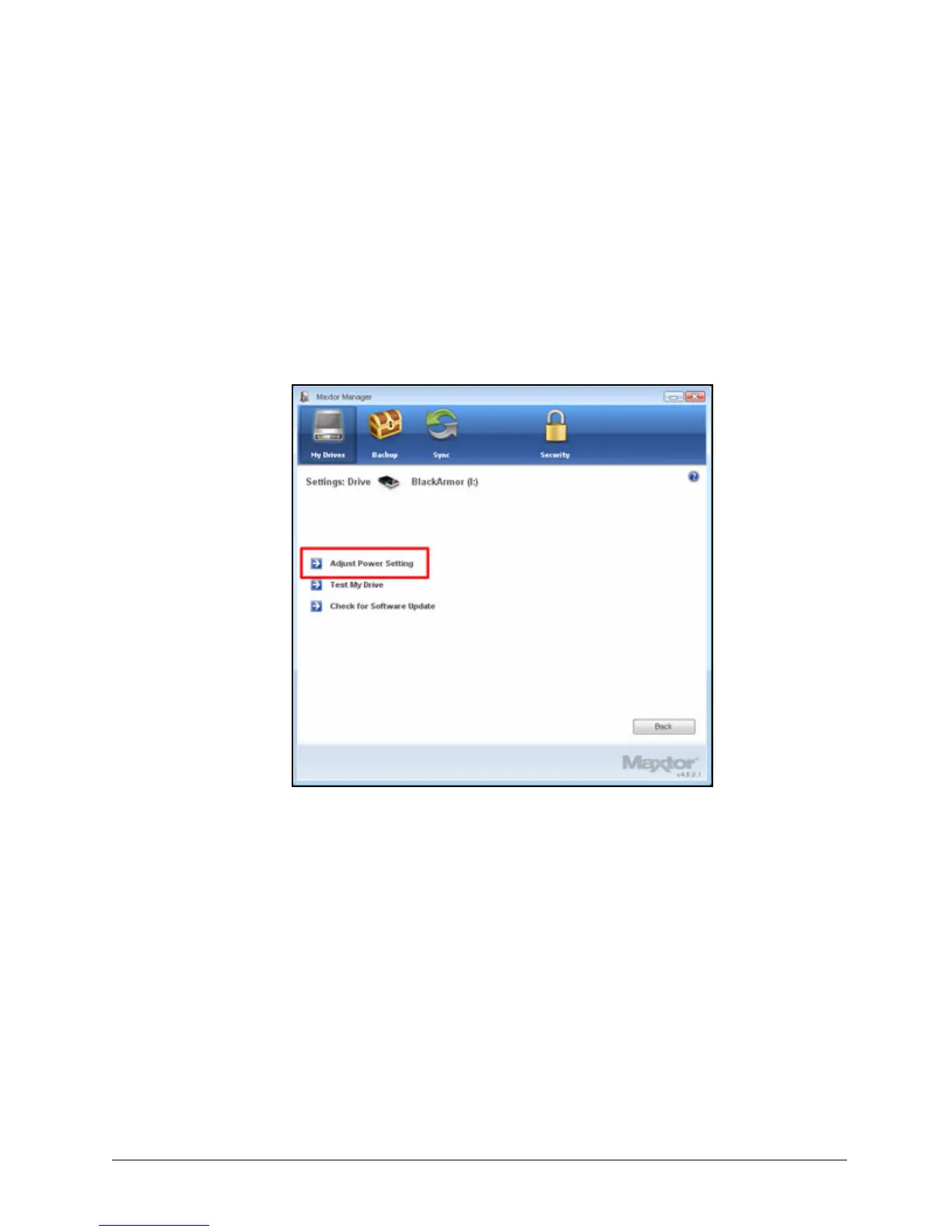
To adjust the power setting,
Step 1: In the My Drives window, click Settings.
The Settings window opens:
Step 2: Click Adjust Power Setting.
Figure 16: Settings













 To Next Page