Using the Sync Preview Window 70
Maxtor Black Armor
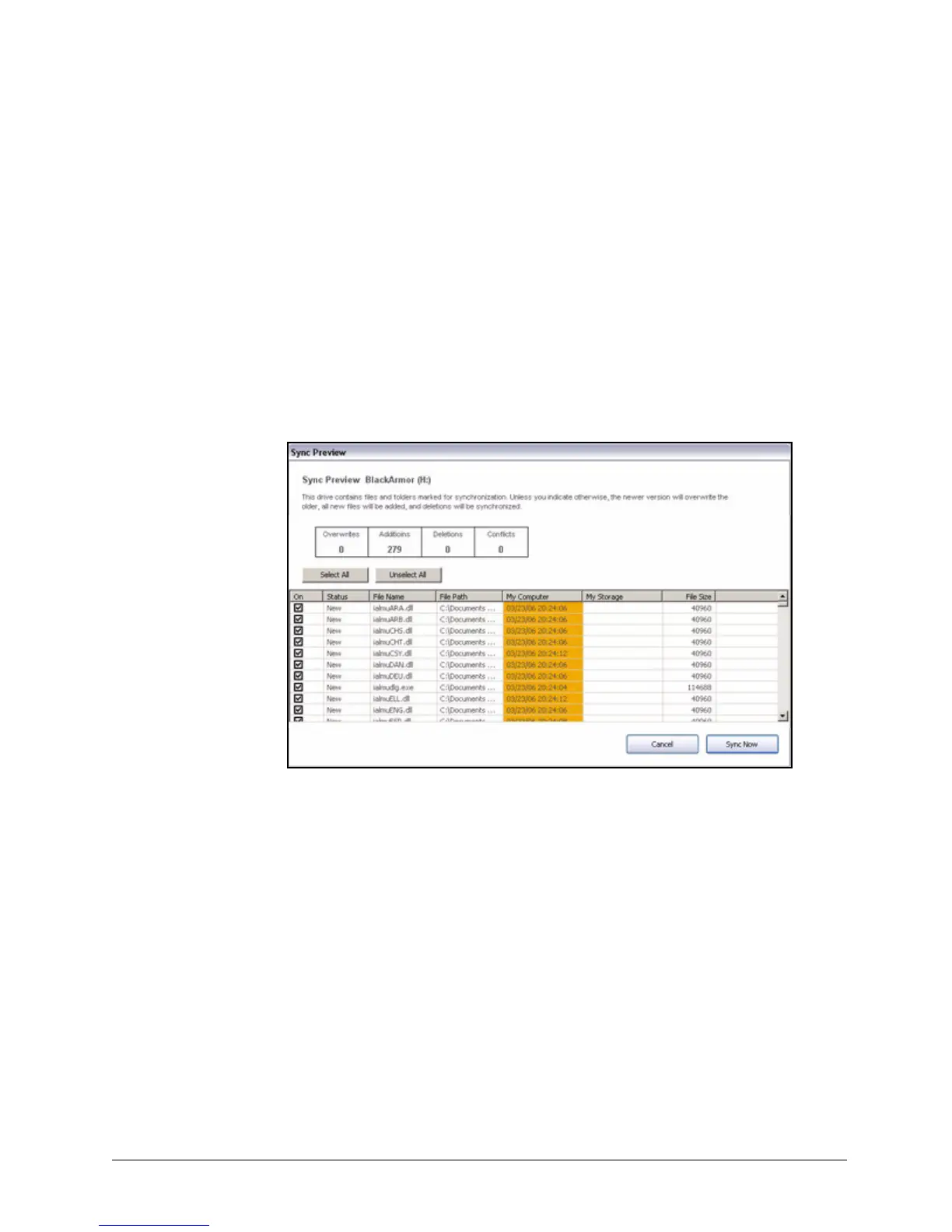
Using the Sync Preview Window
Use the Sync Preview window to manage your synchronized files:
• Add or delete files.
• Decide whether to overwrite existing file versions.
• Resolve conflicts over which version of a synchronized file to save.
If the same file is edited on different computers at the same time, a conflict occurs
over which version of the file to save. When the BlackArmor drive containing a
changed version of a file is connected to a computer containing another changed
version of the same file, the Sync Preview window opens:
To use the Sync Preview window,
Step 1: Use the On checkbox to tell Maxtor Manager which file versions to overwrite, add,
or delete.
Figure 76: Sync Preview













 To Next Page