Managing Backup Settings 39
Maxtor Black Armor
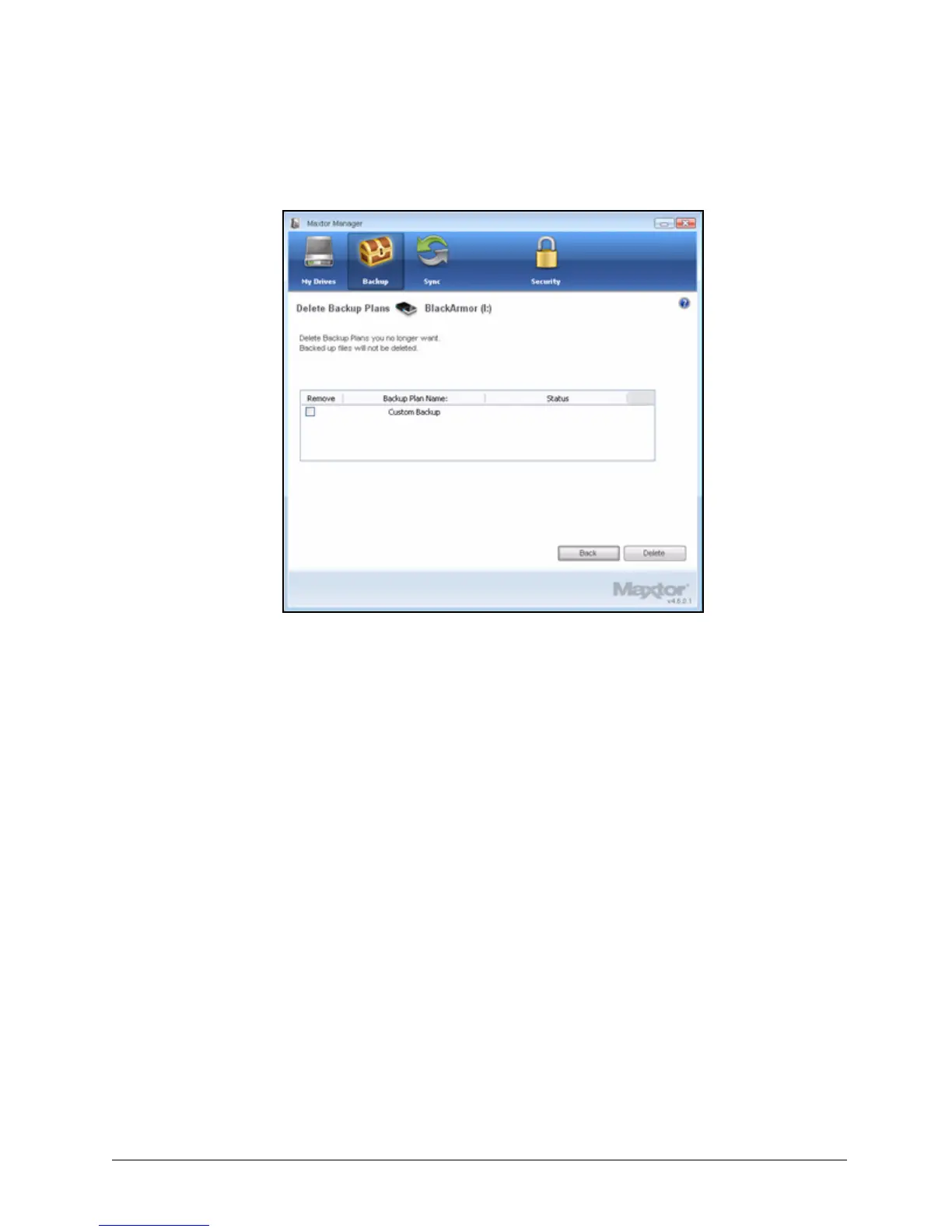
The Delete Backup Plan window opens:
Listed is the Backup Plan for each BlackArmor drive connected to your computer.
Step 3: Select the Backup Plan you want to delete and click Delete.
The Backup Plan is deleted.
Note: Your backed up files are NOT deleted.
Using Scheduled Backup
Use Scheduled Backup to back up changes in backed up folders on the days and time you set.
The Scheduled Backup On/Off switch enables or disables the Backup schedule.
By default, Scheduled Backup is turned on.
Figure 43: Delete Backup Plan













 To Next Page