Erasing a BlackArmor Drive 93
Maxtor Black Armor
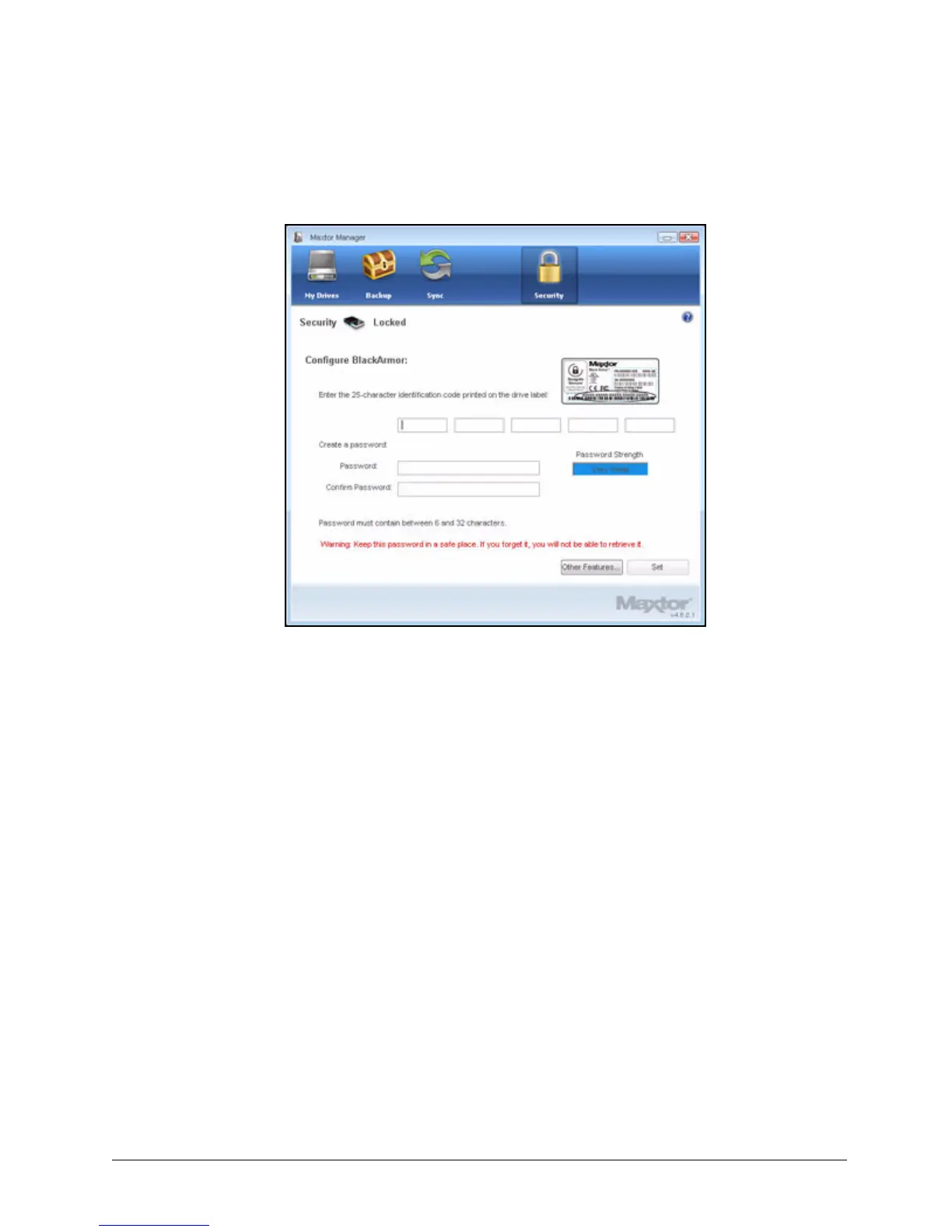
When the drive has been erased (this takes only a few moments), the Configure
BlackArmor window opens:
Configuring an Erased Drive
After you’ve erased a BlackArmor drive, you must configure the drive and set a drive
password.
To configure the drive,
Step 1: Enter the 25-character identification code printed on the drive label.
Step 2: Enter and confirm a drive password.
The password must contain between 6 and 32 characters.
Step 3: Click Set.
Figure 105: Configure BlackArmor













 To Next Page