Erasing a BlackArmor Drive 94
Maxtor Black Armor
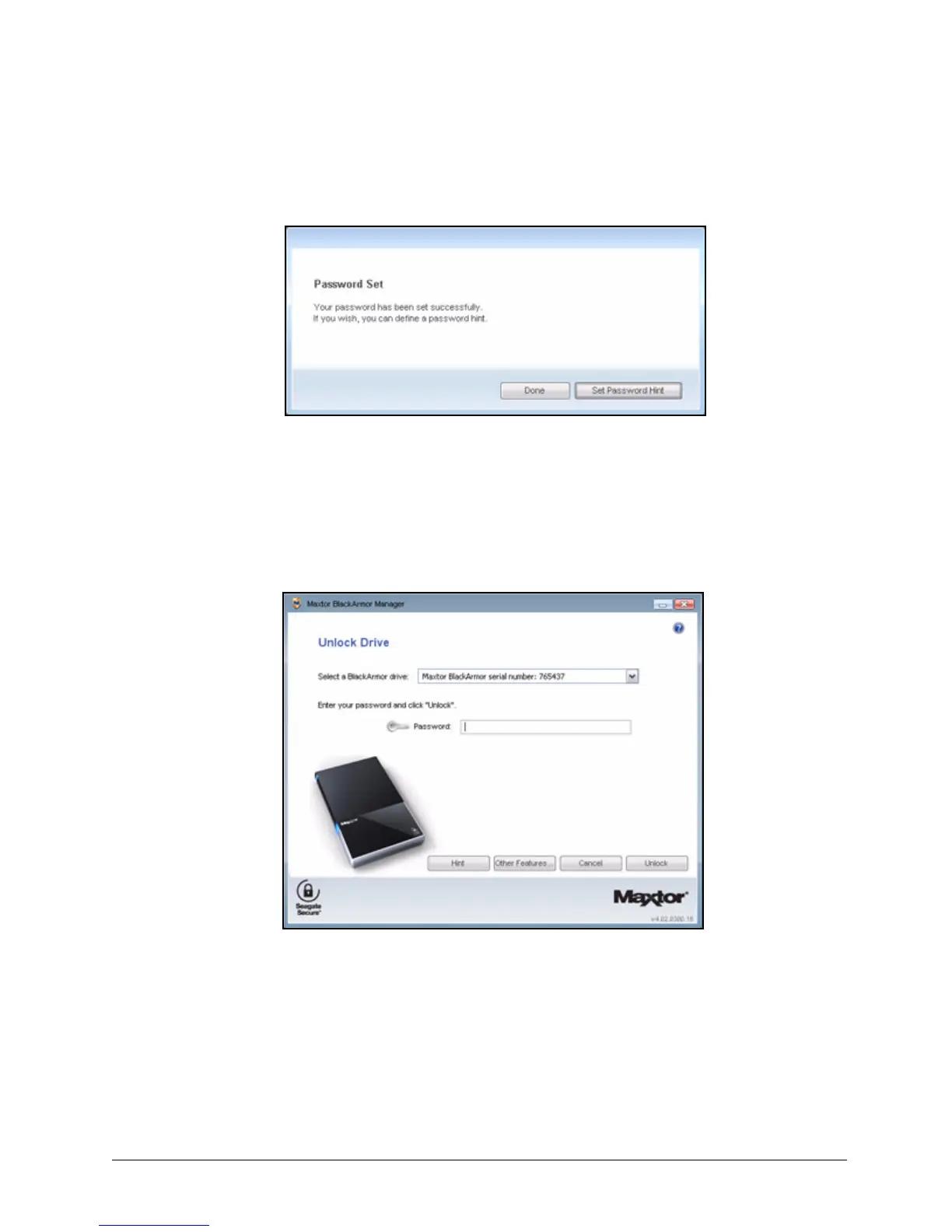
A message confirms that a password has been set successfully and offers the
option of setting a password hint:
Step 4: Click Done to close the Password Set window or Set Password Hint to create a
password hint.
Note: For information on setting a password hint, see Setting a Password Hint.
The Unlock Drive window opens:
Step 5: Enter your password and click Unlock.
Figure 106: Password Set Successfully
Figure 107: KeyErase 2













 To Next Page