Erasing a BlackArmor Drive 95
Maxtor Black Armor
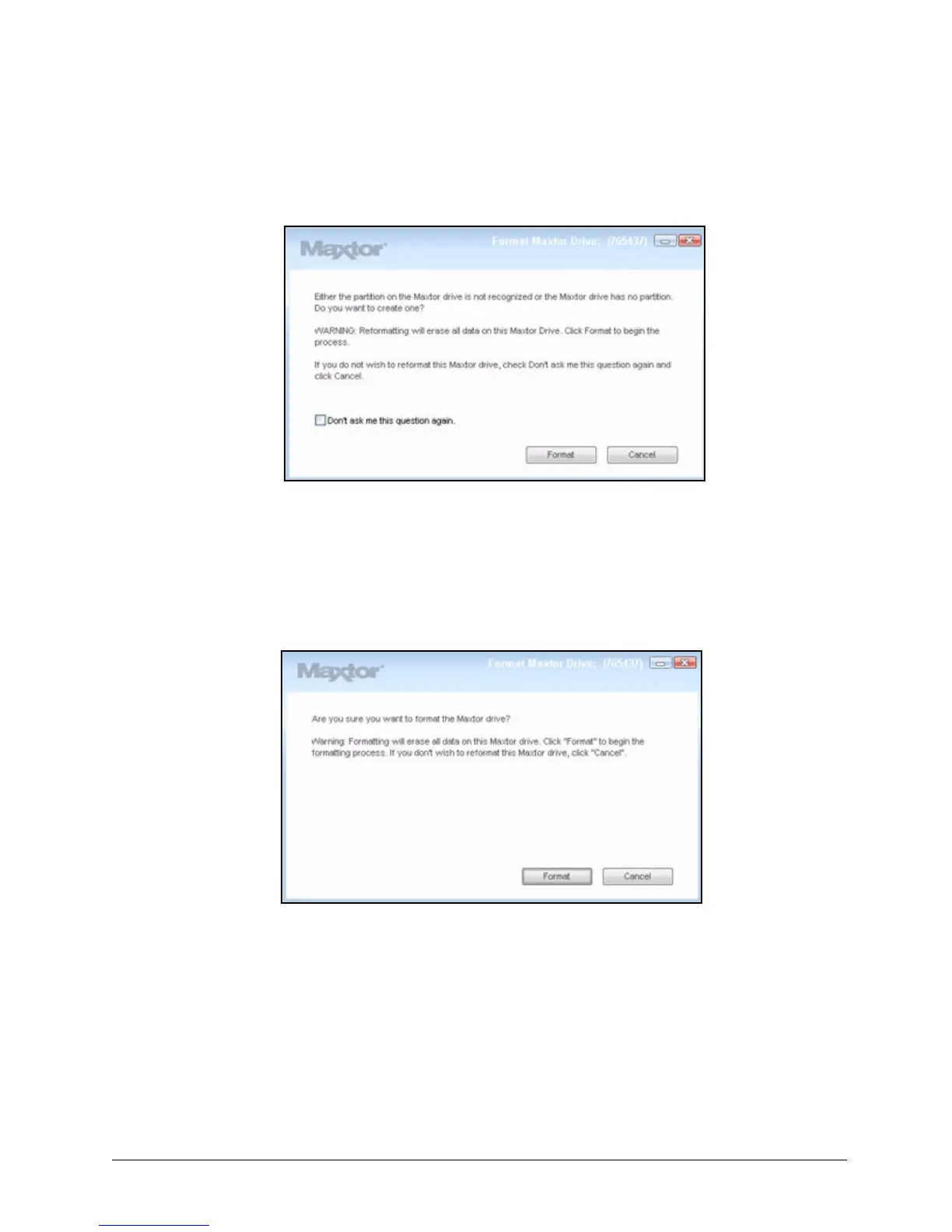
The Unlock window closes. After a short wait, the Format Maxtor Drive window
opens:
Note: It can take up to a full minute for the Fornat Maxtor Drive window to open.
Step 6: Click Format to reformat your drive for use.
A Format confirmation window opens. Since you’ve just erased everything on your
BlackArmor drive, you don’t have to worry about erasing data.
Step 7: Click Format.
Figure 108: Format Maxtor Drive
Figure 109: Format Maxtor Drive Confirmation













 To Next Page