Checking Sync Status 63
Maxtor Black Armor
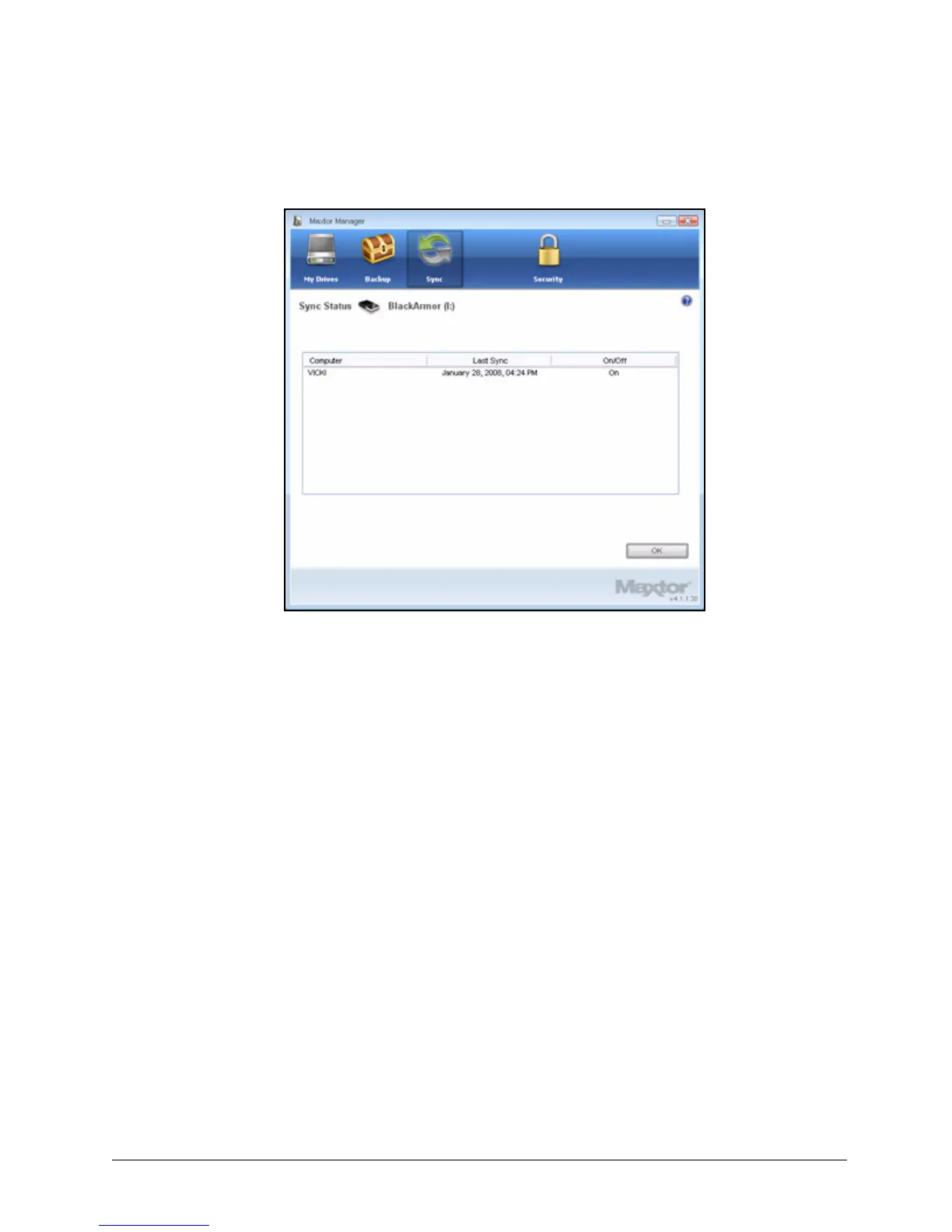
The Sync Status window opens:
Listed are the names of the computers on which Sync was set up, the date of the
last Sync, and the Automatic Sync setting (On or Off).
Step 3: Click OK to return to the Sync window.
Deleting Sync Settings
To delete all your Sync settings and create a new set,
Step 1: Click the Sync icon in the Maxtor Manager window.
Figure 67: Sync Status













 To Next Page