Using the Password Hint 84
Maxtor Black Armor
Step 9: Click OK to return to the Security window.
Deleting a Password Hint
To delete a password hint,
Step 1: Click the Security icon in the Maxtor Manager window.
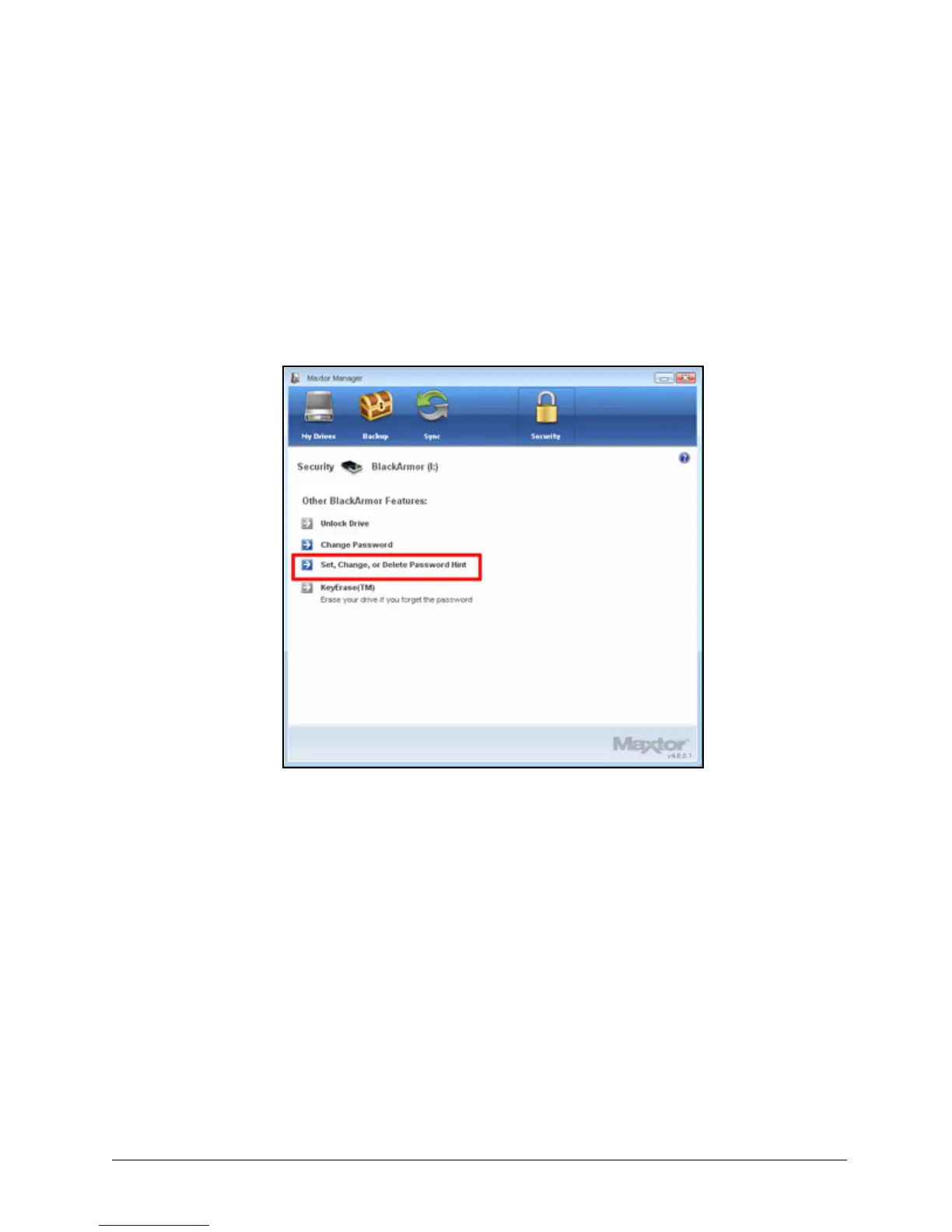
The Security window opens:
Step 2: Click Set, Change, or Delete Password Hint.
Figure 94: Security













 To Next Page