Using the Password Hint 83
Maxtor Black Armor
Step 3: Click Overwrite.
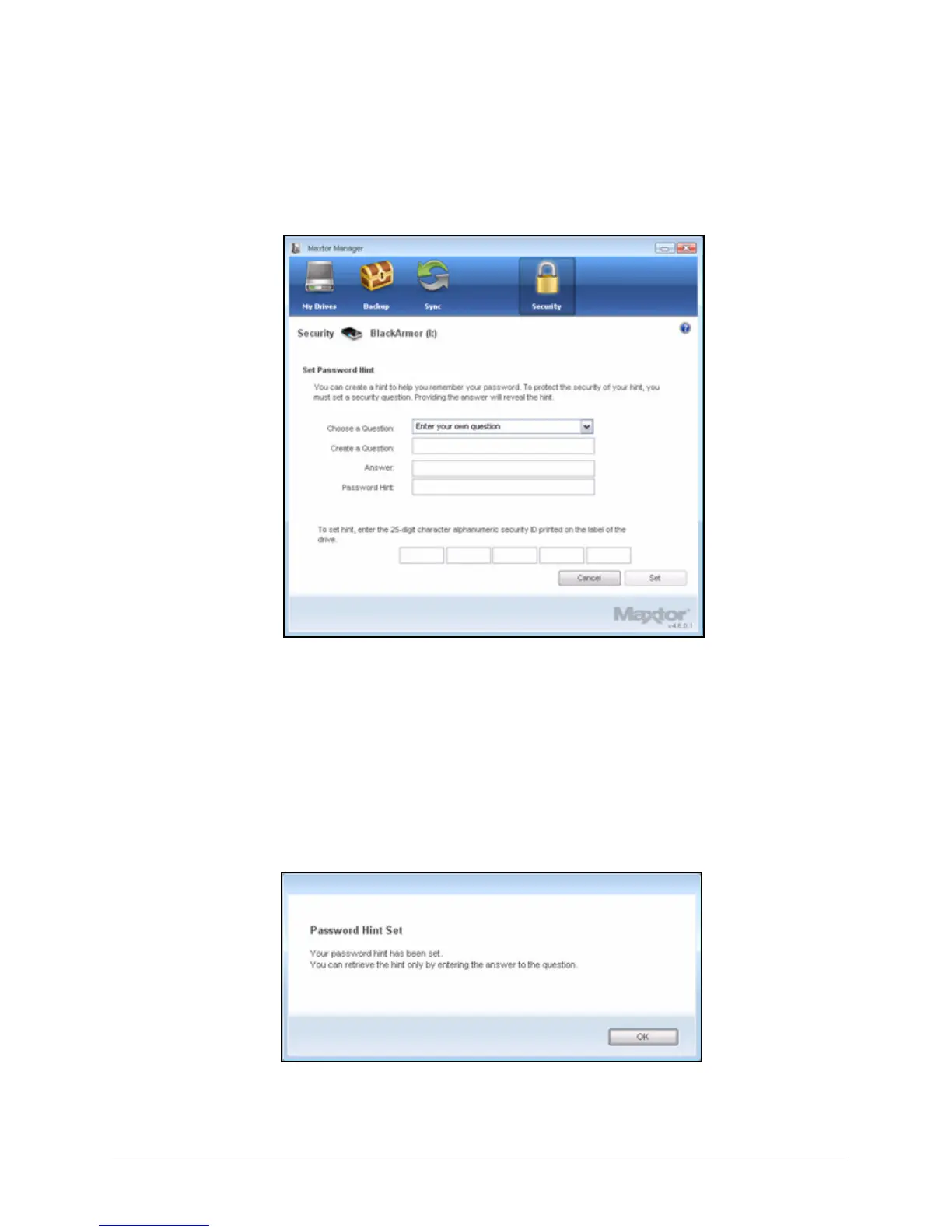
The Set Password Hint window opens:
Step 4: Select a security question from the dropdown list or create a question of your own.
Step 5: Enter the answer to the security question.
Step 6: Enter a hint to help you recall your password if you forget it.
Step 7: Enter the 25-character identification code printed on the drive label.
Step 8: Click Set.
A message confirms that your password hint has been set successfully:
Figure 92: Set Password Hint
Figure 93: Password Hint Set Successfully













 To Next Page