Using the BlackArmor Manager Features 119
Maxtor Black Armor
Step 4: Click Delete.
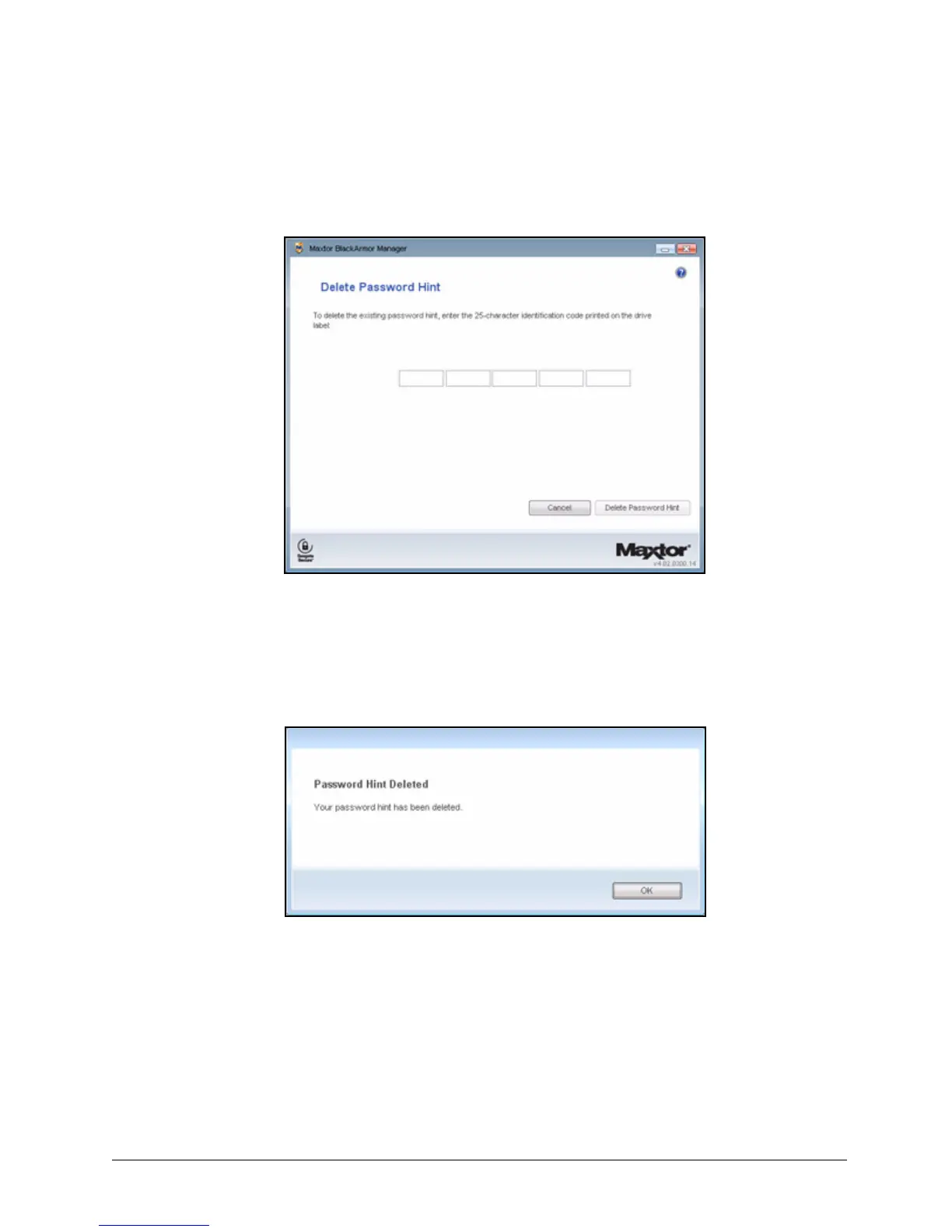
The Delete Password Hint window opens:
Step 5: Enter the 25-character identification code printed on the drive label.
Step 6: Click Delete Password Hint.
A message confirms that your password hint has been deleted:
Step 7: Click OK to return to the Other Features window.
You can set a new password hint by following the original steps.
Retrieving a Password Hint
If you’ve forgotten your password, you can retrieve the password hint you set to help you
remember the password.
Figure 141: Delete Password Hint
Figure 142: Password Hint Deleted













 To Next Page