Using the BlackArmor Manager Features 107
Maxtor Black Armor
Changing your Password
Your password must initially be set in the BlackArmor Manager application. Once you’ve set a
password, you can change it in either the Maxtor Manager application or the BlackArmor
Manager application when your drive is connected to a computer on which the Maxtor
Manager software is not installed.
Note: For information on changing your password in the Maxtor Manager application, see
Managing BlackArmor Security.
To change your password in the BlackArmor Manager application,
Step 1: Connect the drive to a computer
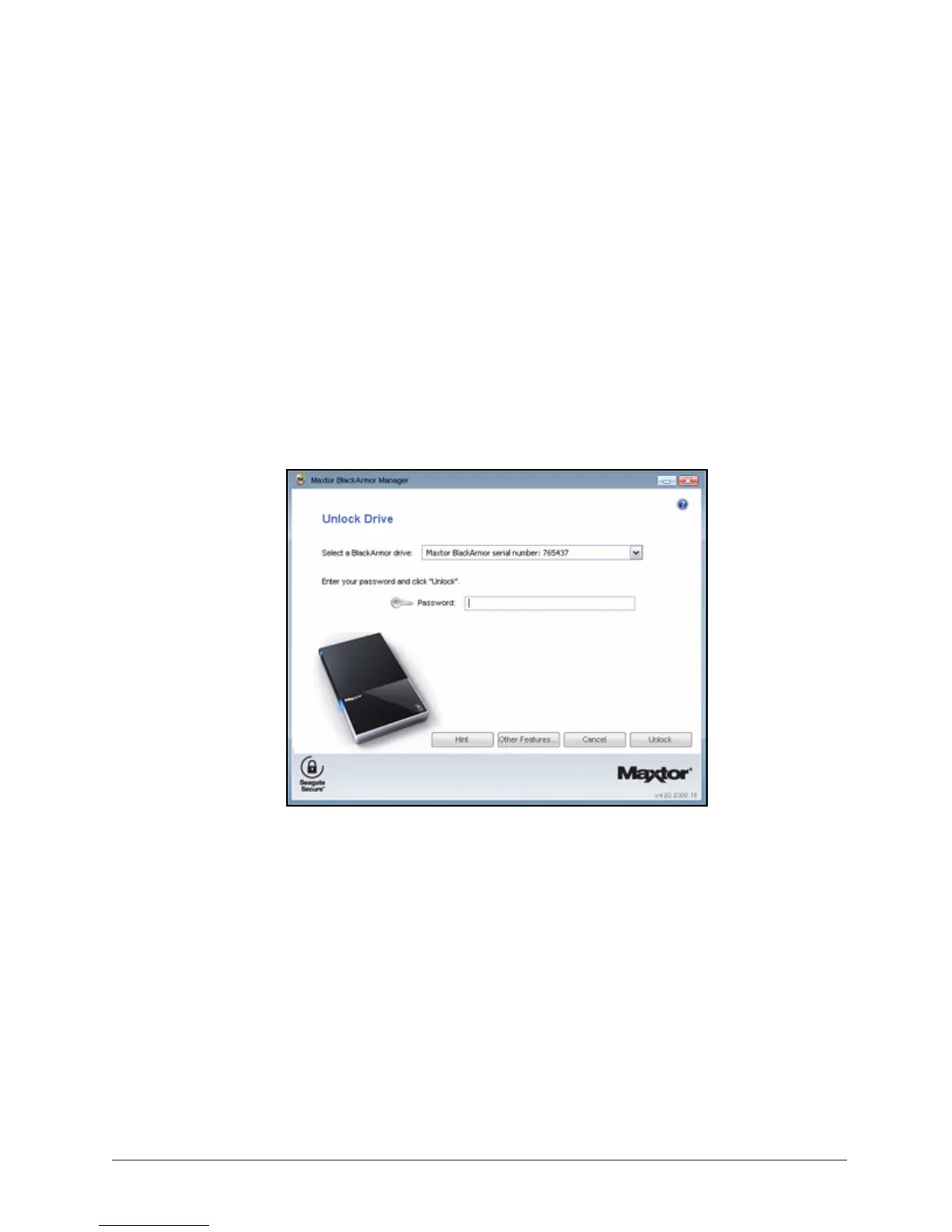
The Unlock Drive window opens:
Step 2: Click Other Features.
Figure 122: Unlock Drive













 To Next Page