Using Automatic Overwrite 69
Maxtor Black Armor
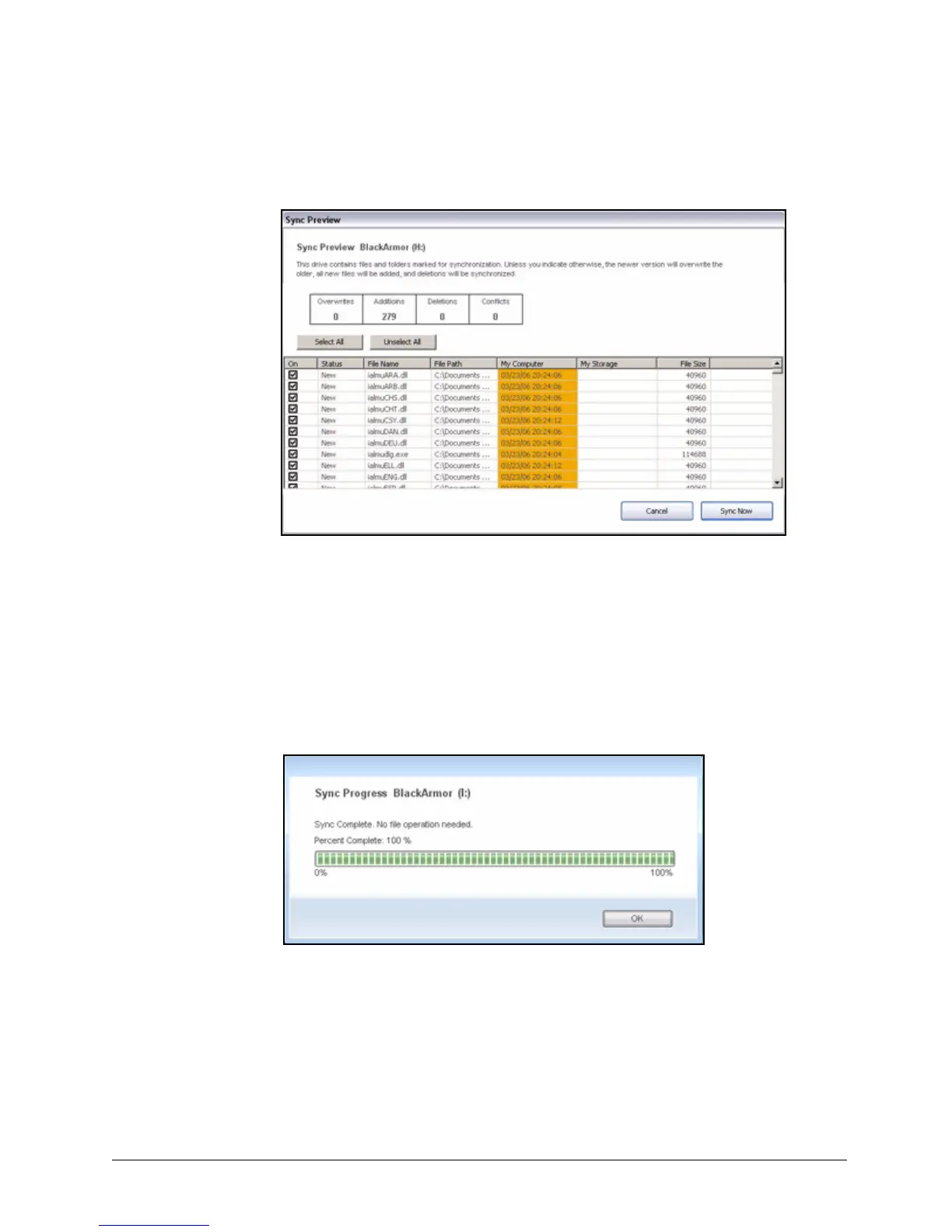
The Sync Preview window opens:
Listed are the files scheduled to be overwritten.
Step 4: If you do NOT want to overwrite an older file version with a newly-synchronized
version, add a file, or delete a file, uncheck the file in the On column.
Step 5: Click Sync Now to sync your files according to the settings you’ve made in the
Sync Preview window.
A Sync Progress window informs you of the progress of the sync.
Step 6: When the sync is complete, click OK to close the window.
Figure 74: Sync Preview
Figure 75: Sync Progress













 To Next Page