Unlocking the BlackArmor Drive 105
Maxtor Black Armor
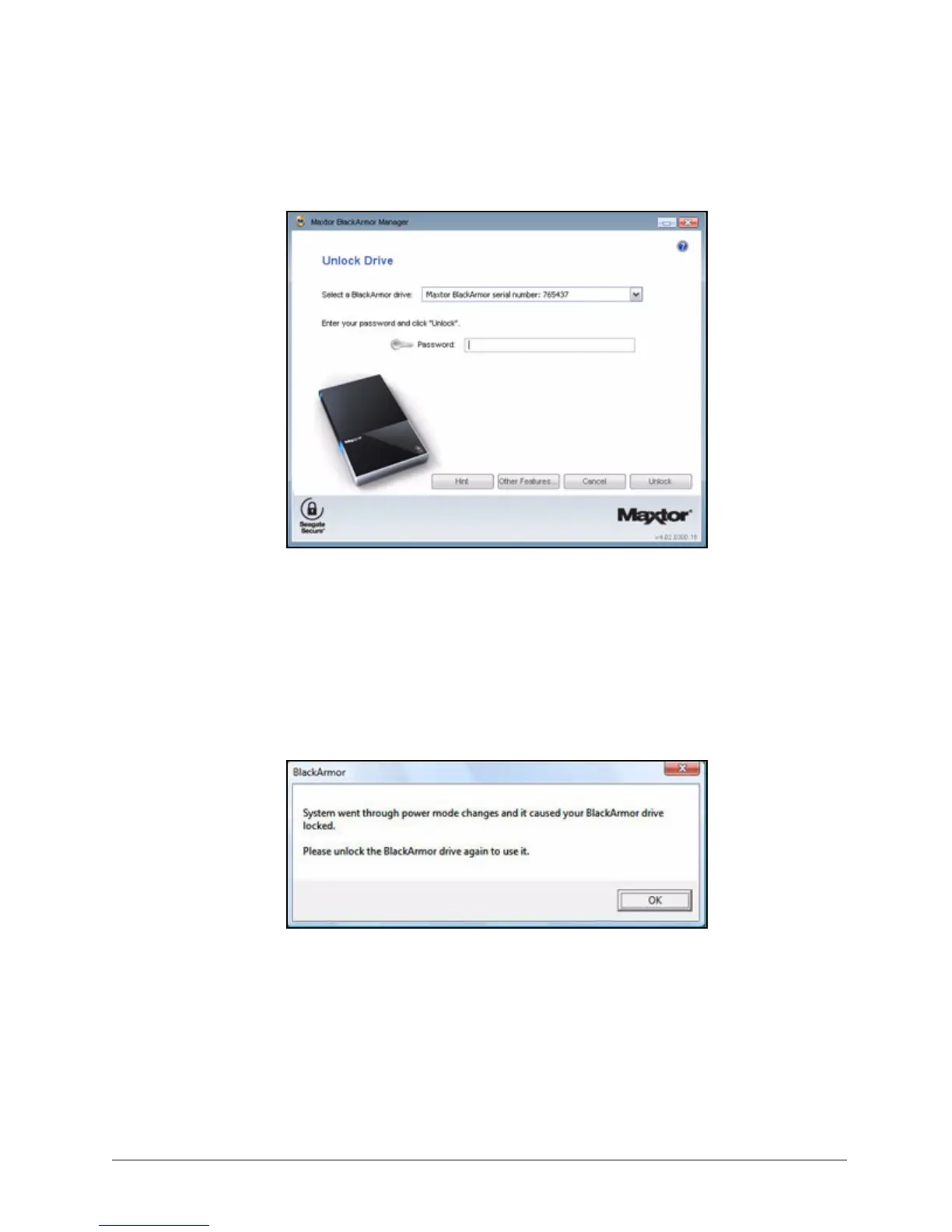
The Unlock Drive window opens:
Step 2: Select your BlackArmor drive from the dropdown list, enter your password, and
click Unlock.
The Unlock Drive window closes. The BlackArmor drive is now unlocked and the
files stored on it can be accessed.
During the power change that occurs when your Maxtor drive wakes up from Sleep, Hibernate,
or Standby mode, the drive may occasionally lock itself. If this happens, you see this window:
If the Unlock window does not automatically open, disconnect and reconnect your drive to
display the Unlock window so you can unlock your drive.
Figure 121: Unlock Drive













 To Next Page