Updating Your Software 21
Maxtor Black Armor
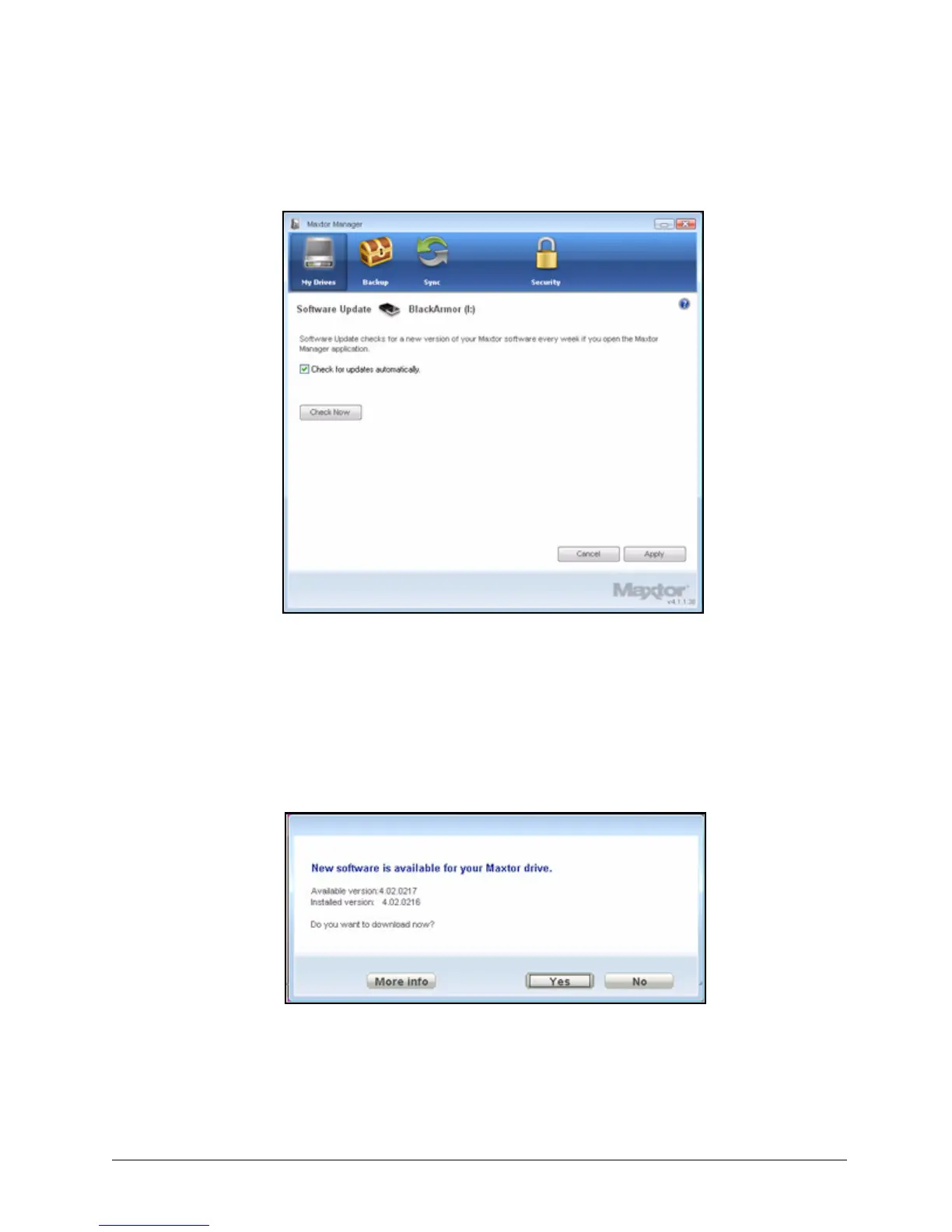
The Software Update window opens:
Check for update automatically is selected by default.
Step 3: To turn off Software Update, unselect Check for updates automatically.
Step 4: To check for updates now, click Check Now.
If an update is available for your software, a Software Update window allows you
to download the update:
Step 5: Click Yes to download the software update and follow the Install Wizard
instructions to install it.
Figure 24: Software Update
Figure 25: Software Update Available













 To Next Page