Creating a Backup Plan 29
Maxtor Black Armor
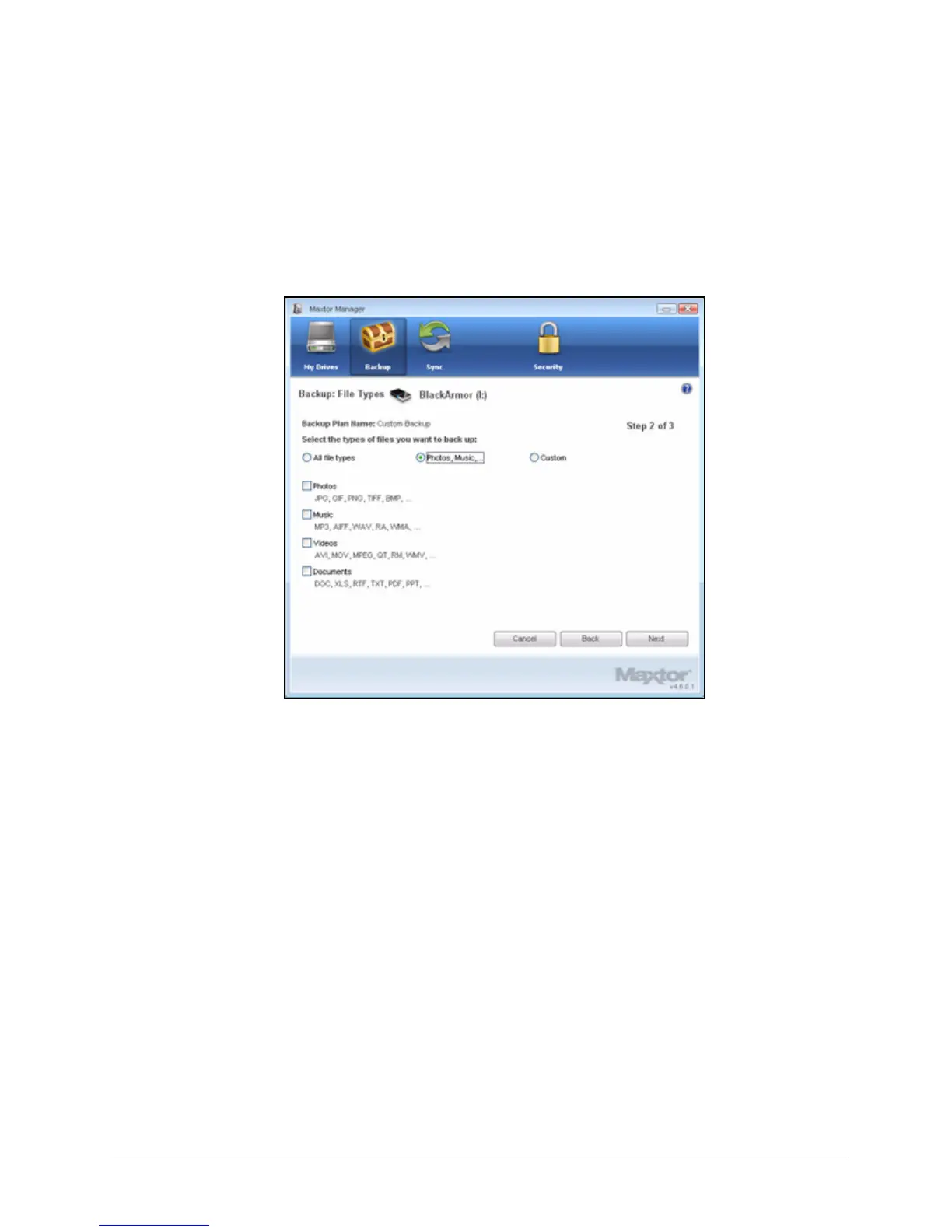
Step 4: Select the types of files you want to back up:
• All File Types
• Photos, Music, Videos, Documents
Back up any or all of these types of files:
• Custom
Select specific file types to include or exclude for backup:
— To back up only a few of the available file types,
1.Select Include these file types.
2.Select each file type you do want to back up and click Add to move it to
the Include list.
— To back up most of the available file types,
1.Select Exclude these file types.
2.Select each file type you don’t want to back up and click Add to move it to
the Exclude list.
Note: File extensions are the last three characters of a file name that define the file type.
Figure 33: File Types: Photo, Music, Video, Documents













 To Next Page