Using Simple Sync 49
Maxtor Black Armor
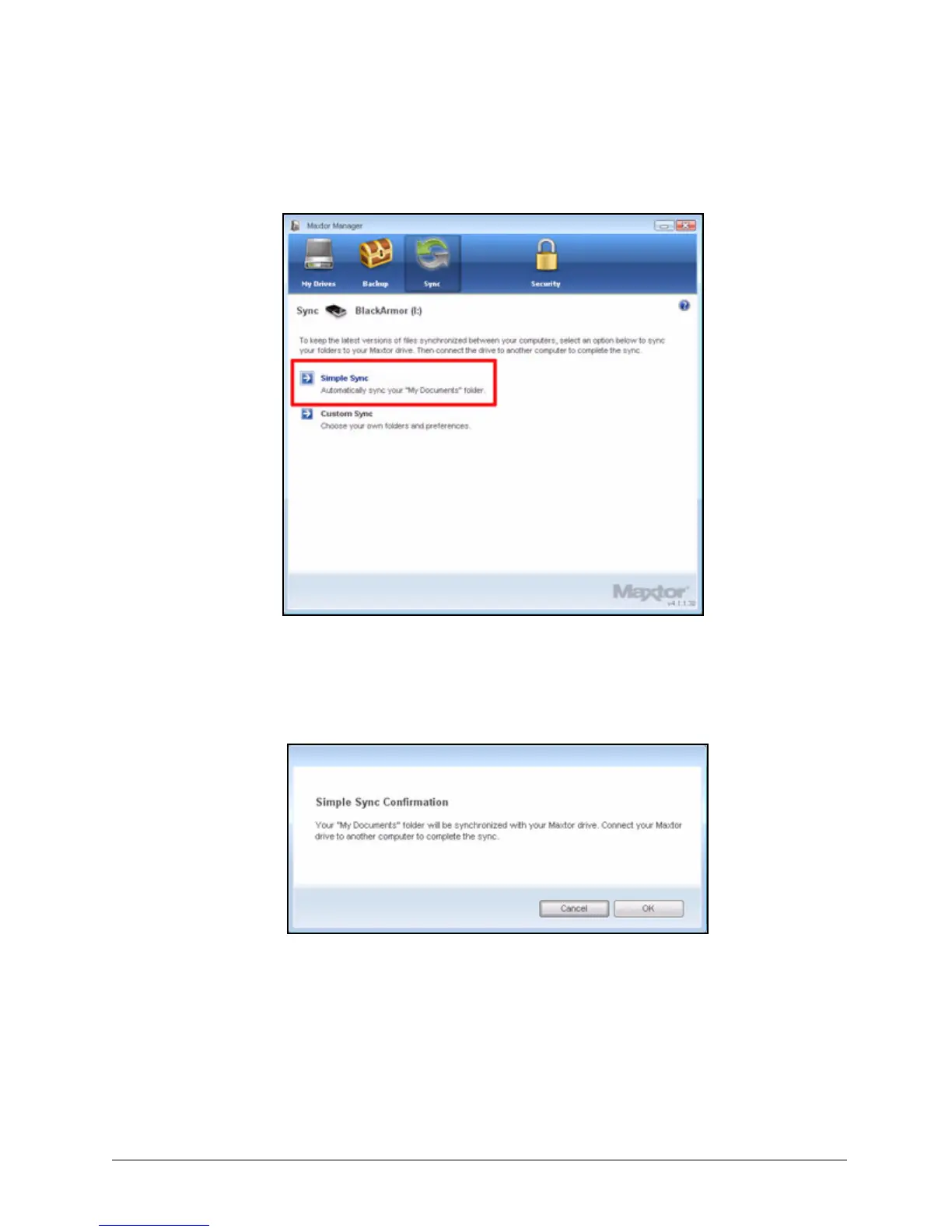
The Sync window opens:
Step 2: Click Simple Sync.
The Simple Sync Confirmation window opens:
Step 3: Click OK to close the confirmation window.
Your XP My Documents or Vista Personal Folder folder is now synchronized
with your drive. Connect the drive to other computers to complete the sync.
Figure 52: Sync
Figure 53: Confirm Simple Sync













 To Next Page