Editing Sync Settings 60
Maxtor Black Armor
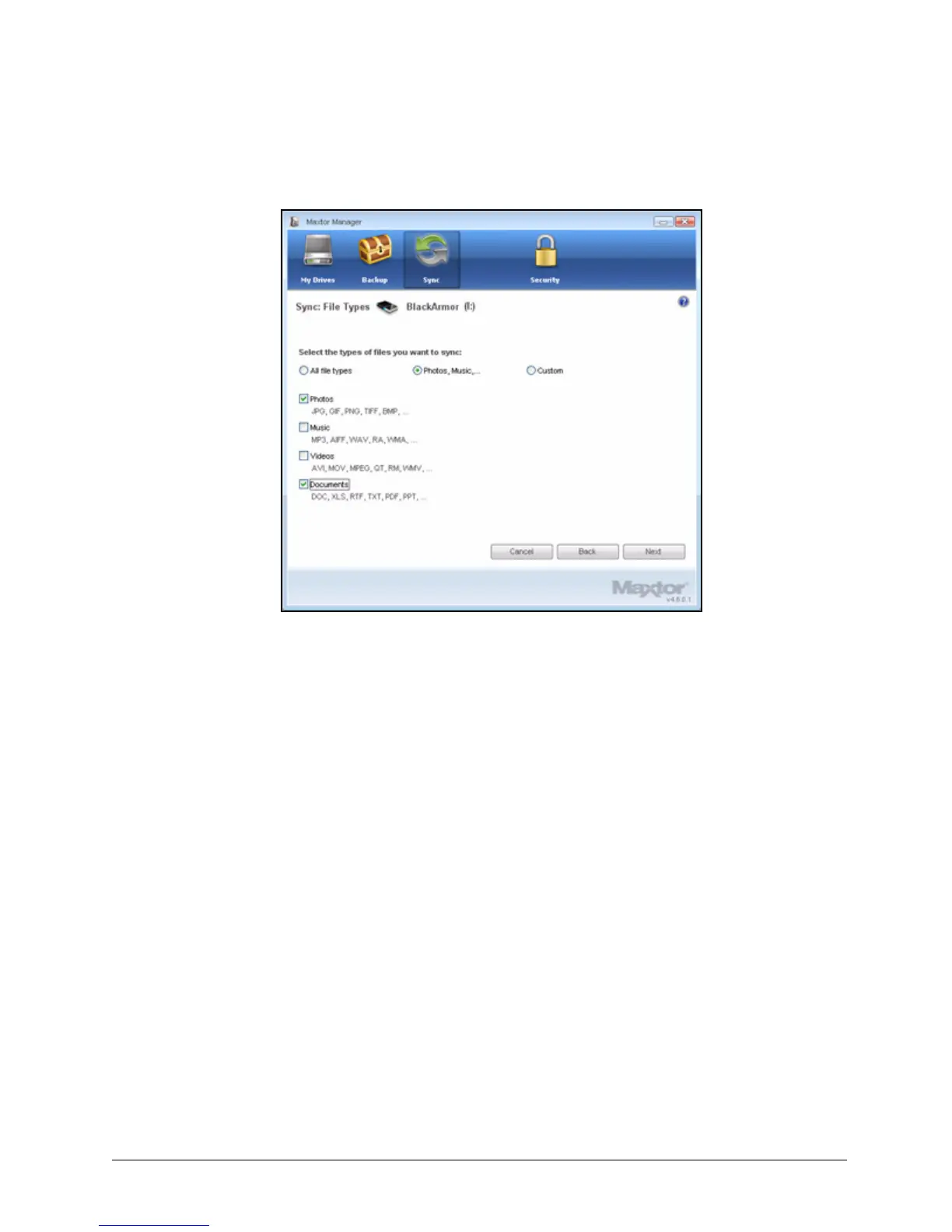
The File Types window displays your current file type settings:
Step 4: Make the desired changes and click Next.
Note: If you sync a type of file and then remove that file type from your sync selections, all files of
that type previously synchronized will be removed from your drive during the next sync.
Figure 64: Edit Sync File Types













 To Next Page