Preparing the BlackArmor Drive for Use 6
Maxtor Black Armor
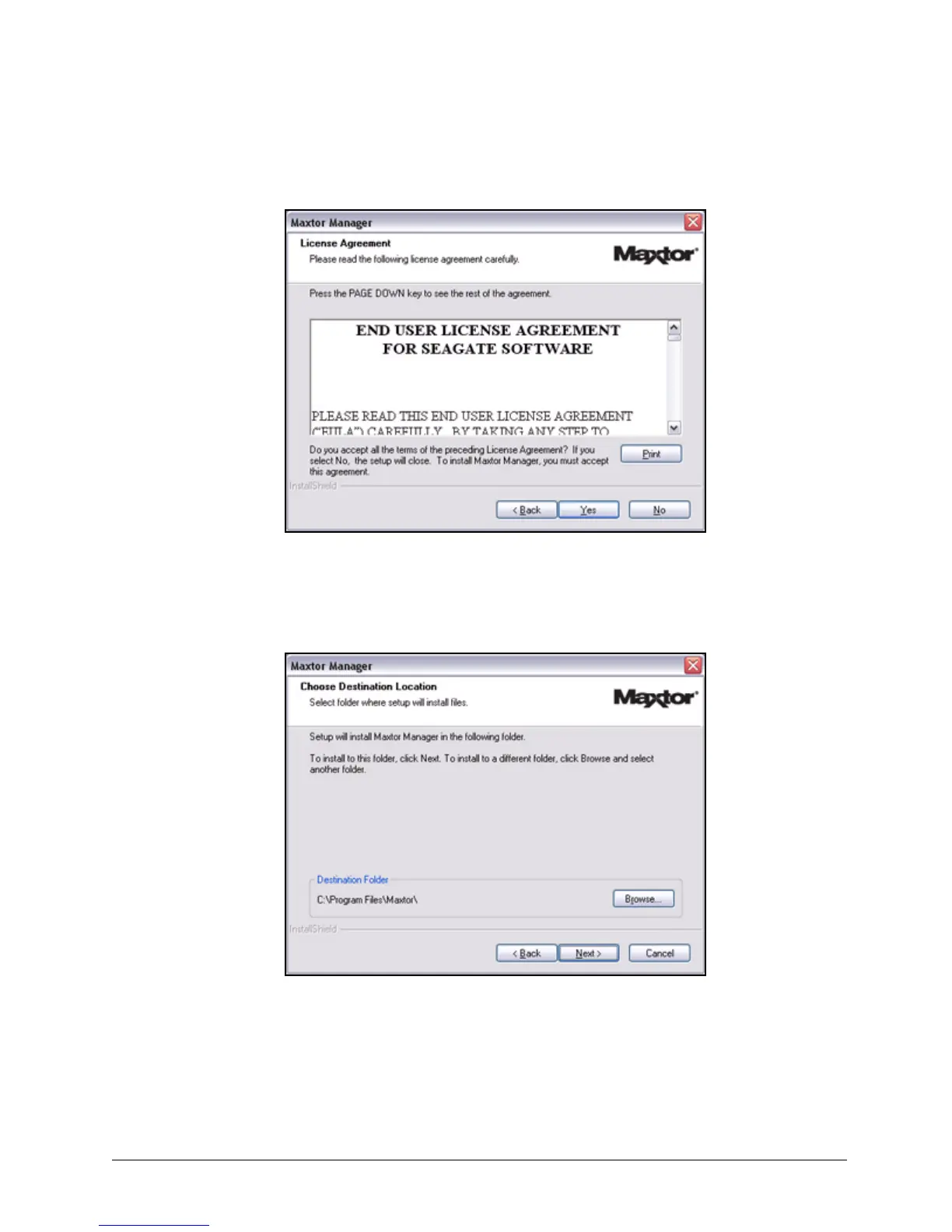
The License Agreement window opens:
Step 3: Click Yes to accept the terms of the License Agreement.
The Choose Destination Location window opens:
Step 4: Accept the default destination folder or click Browse to select a different folder.
Figure 8: License Agreement
Figure 9: Select a Destination













 To Next Page